Introduction to Lens
This guide shows how to use the dashboard, reports, creative tests, and inspiration feed to see what is working now, what to scale, what to kill, and what to test next, all in one place.
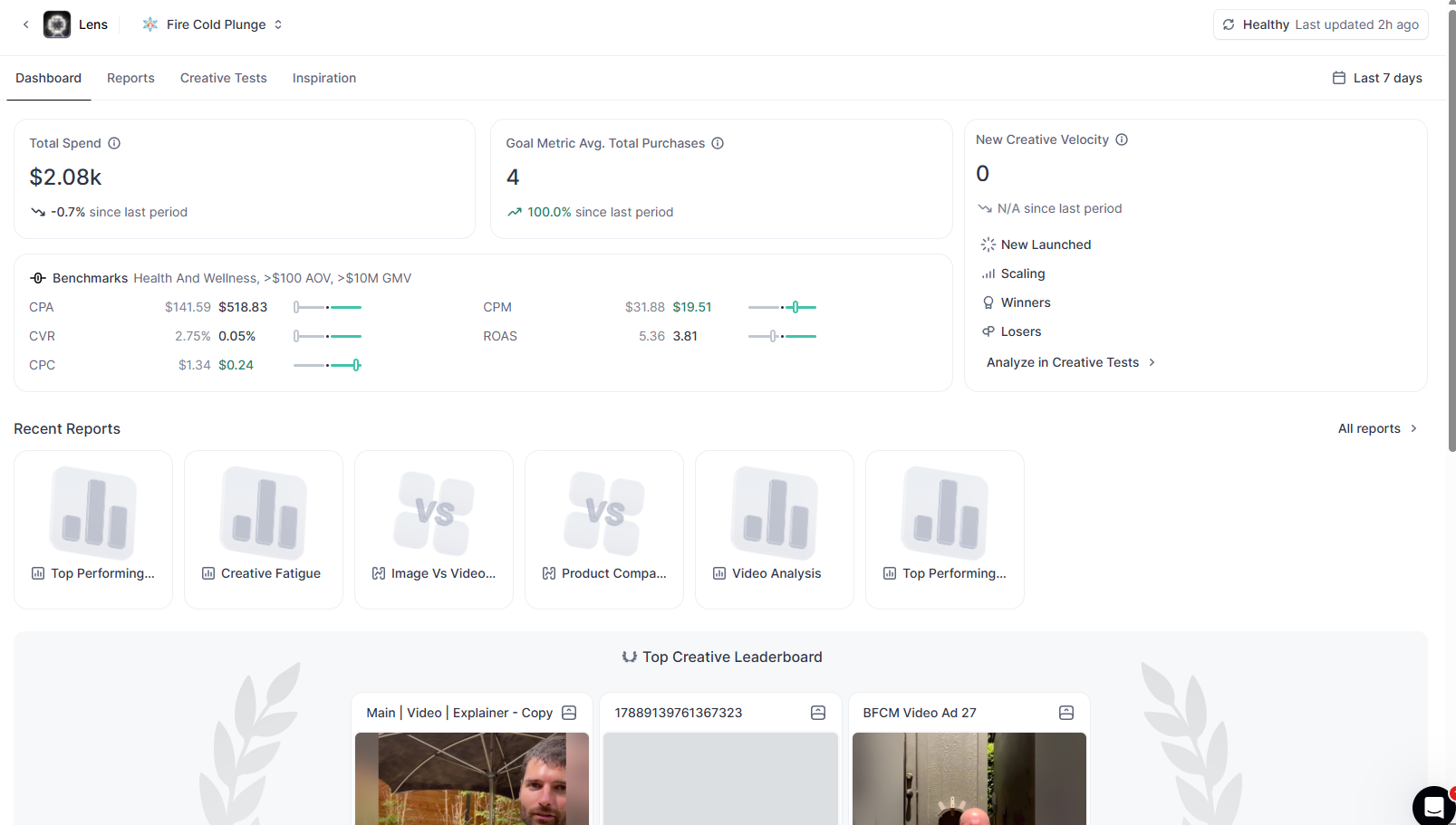

Introduction to Lens
Lens is where you stop guessing about creative and actually see what is working.
If you’re running paid social and launching a lot of ads, this is the view that keeps you sane.
Let me walk you through it.
The Main Dashboard
Inside Foreplay, open one of your Lens accounts and you’ll land on the overview.
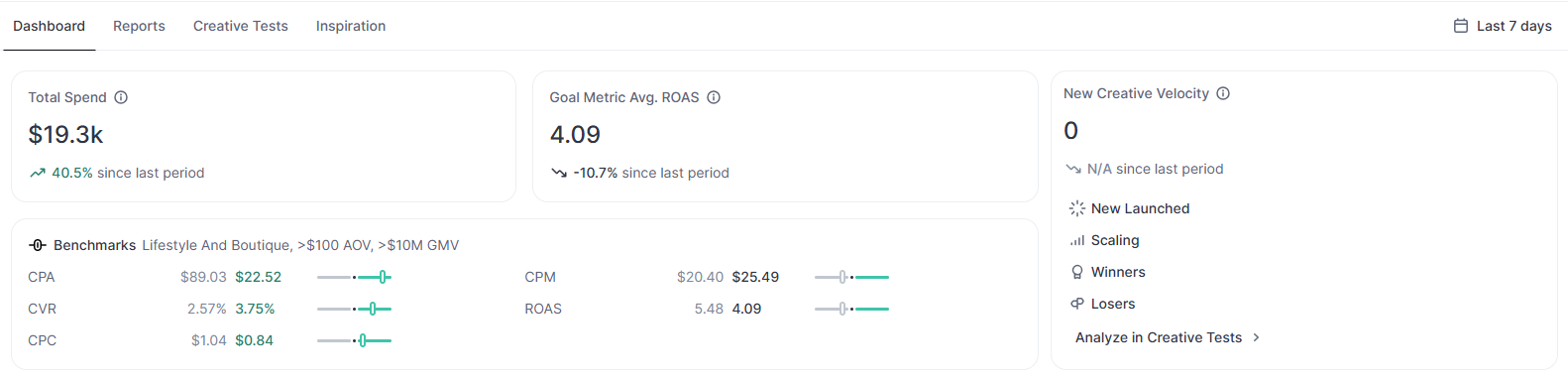
Here you can see:
- Total spend for the period
- A comparison vs the previous period
- Your main goal metric and how it is trending
- New creative velocity
- How many creatives are scaling, winning, and losing
You can dig into all of those tests in the Creative tests section.
You will also see:
- Recent reports like Media Mix and Foreplay Scores
- Your top performing ads
- Your top creatives by spend, with a simple table showing days running, total spend, and your goal metric
It is a clean snapshot of what is happening with your account right now.
Reports: Zooming in on what matters
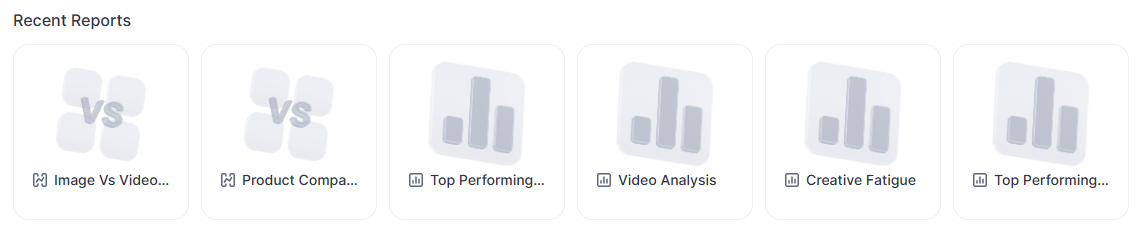
From the Reports section, you can:
- Open any previous report
- Create a new Top performing report
- Or build a Comparative report to compare different dimensions of your ads
This is where you stop arguing about “what feels good” and start looking at actual numbers.
Creative Tests: See What Is Winning And What Is Not
In Creative tests, Lens shows you every ad launched in a given time period on a scatter chart.
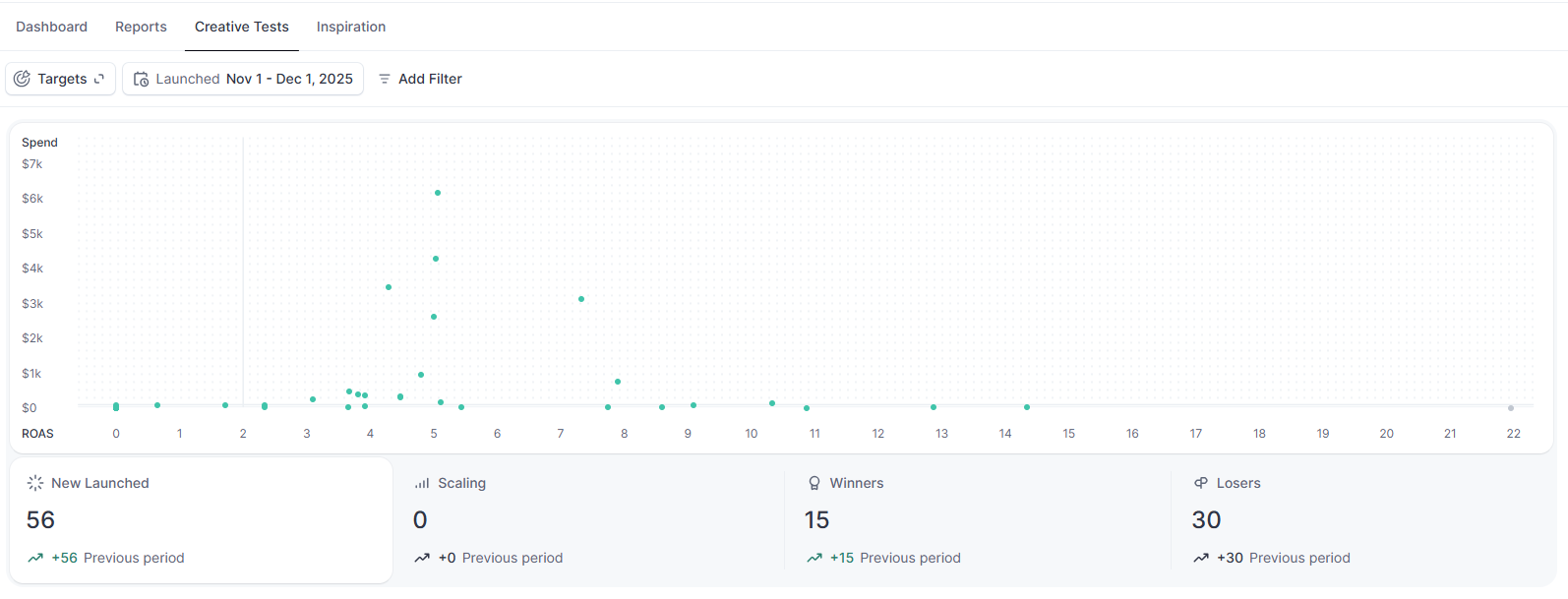
You can quickly see:
- Newly launched ads
- Ads that are scaling
- Ads that are winning
- Ads that are losing
Inactive ads show up in grey. Active ads are highlighted in green.
Below the chart, you get a table view with every ad, their metrics, and even a shortcut to open change history inside Meta so you can see what was tweaked and when.
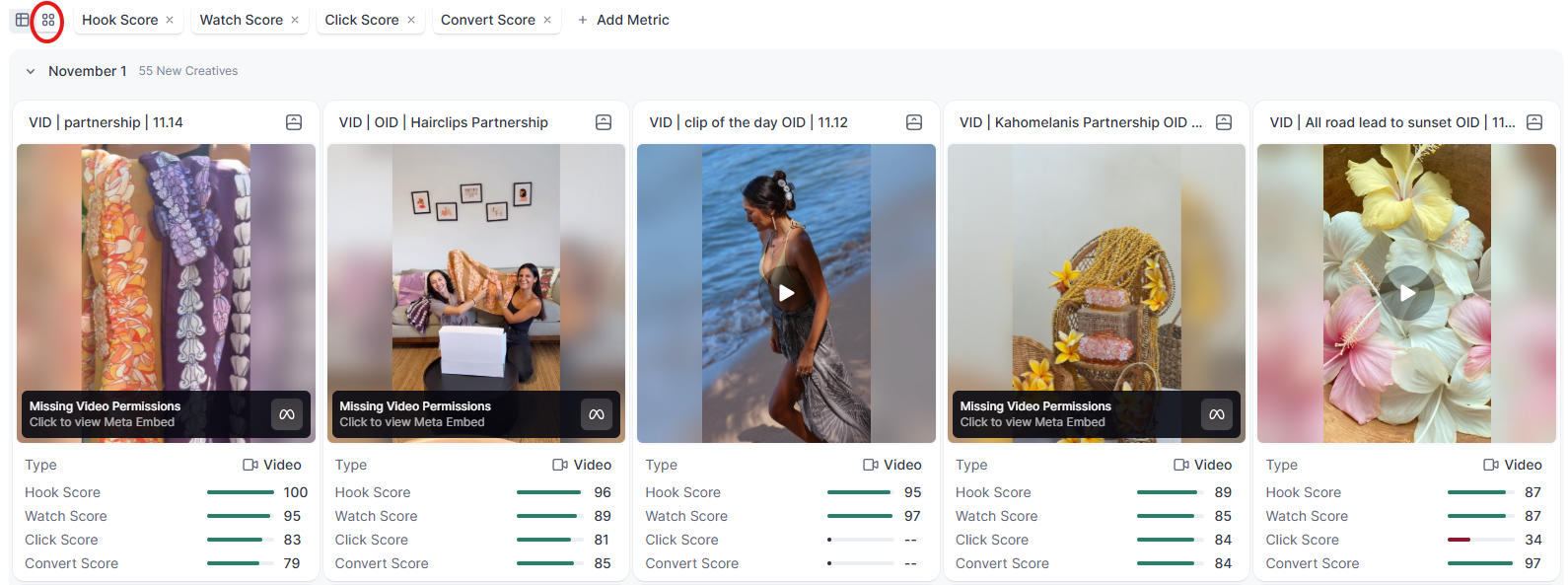
If you prefer visuals, switch to the Card view:
- See the actual ad thumbnail
- See the key metrics under each creative
- Swap the metrics at the top if you only care about things like CTR and conversion rate
This makes creative reviews a lot less painful.
Inspiration Without Doomscrolling
The Inspiration tab is where Lens gets fun.
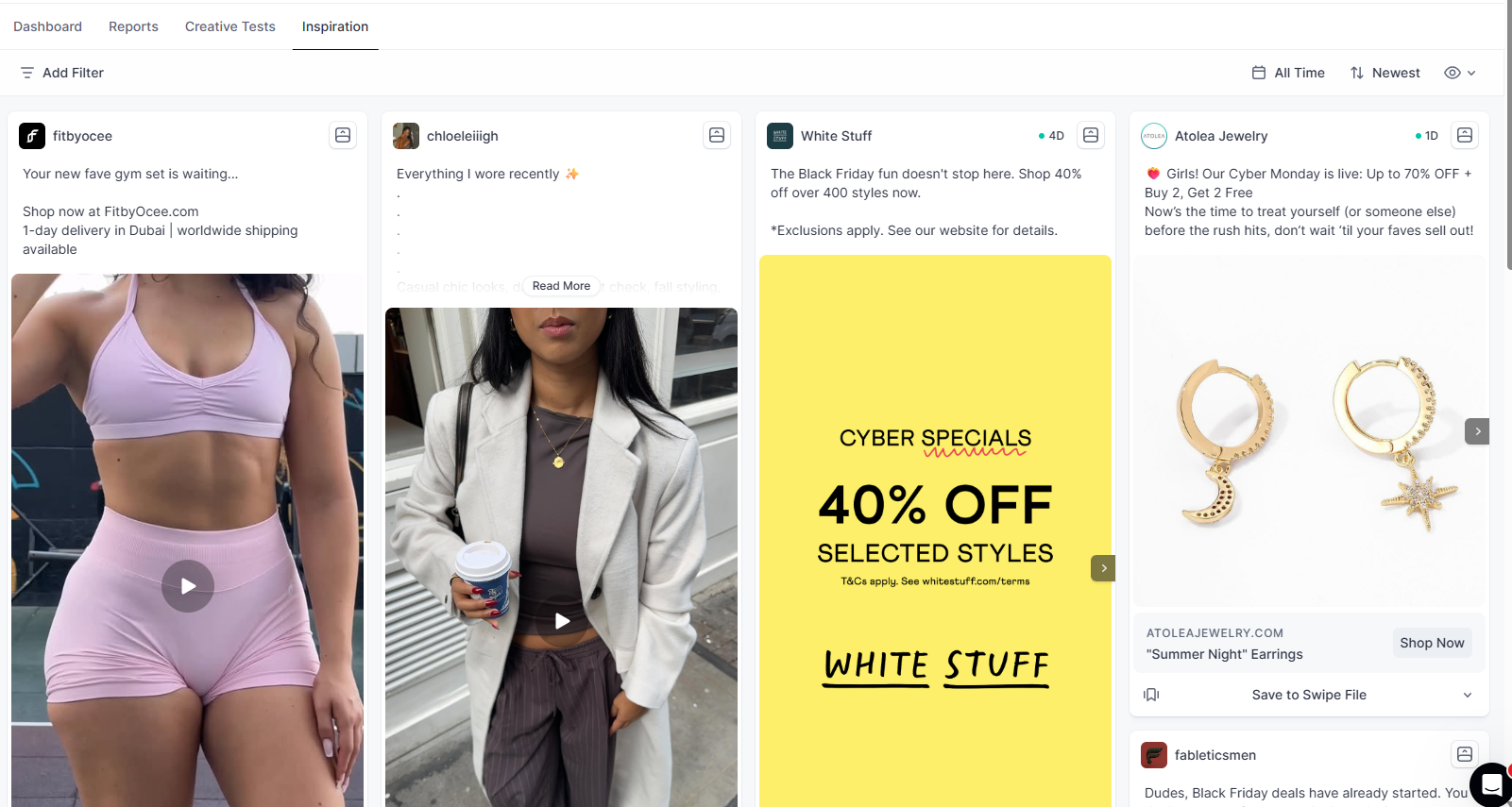
Instead of you digging through random brands, libraries, and Instagram for ideas, Lens pulls inspiration that is tailored to your best performing ads.
So you get:
- Fresh concepts that look like your winners
- Less time wasted doomscrolling
- More time turning proven patterns into new tests
You are not starting from a blank page every time you brief creative.
Lens is here to answer your few simple questions:
- What is working right now
- What should we scale
- What should we kill
- And what should we test next, based on what has already worked
All in one place, without opening tabs and a headache.
