How To Use The World's Largest Library Of Ads To Do Creative Strategy For Your Brands
This is how to use Foreplay’s Discovery product as a real creative strategy tool.
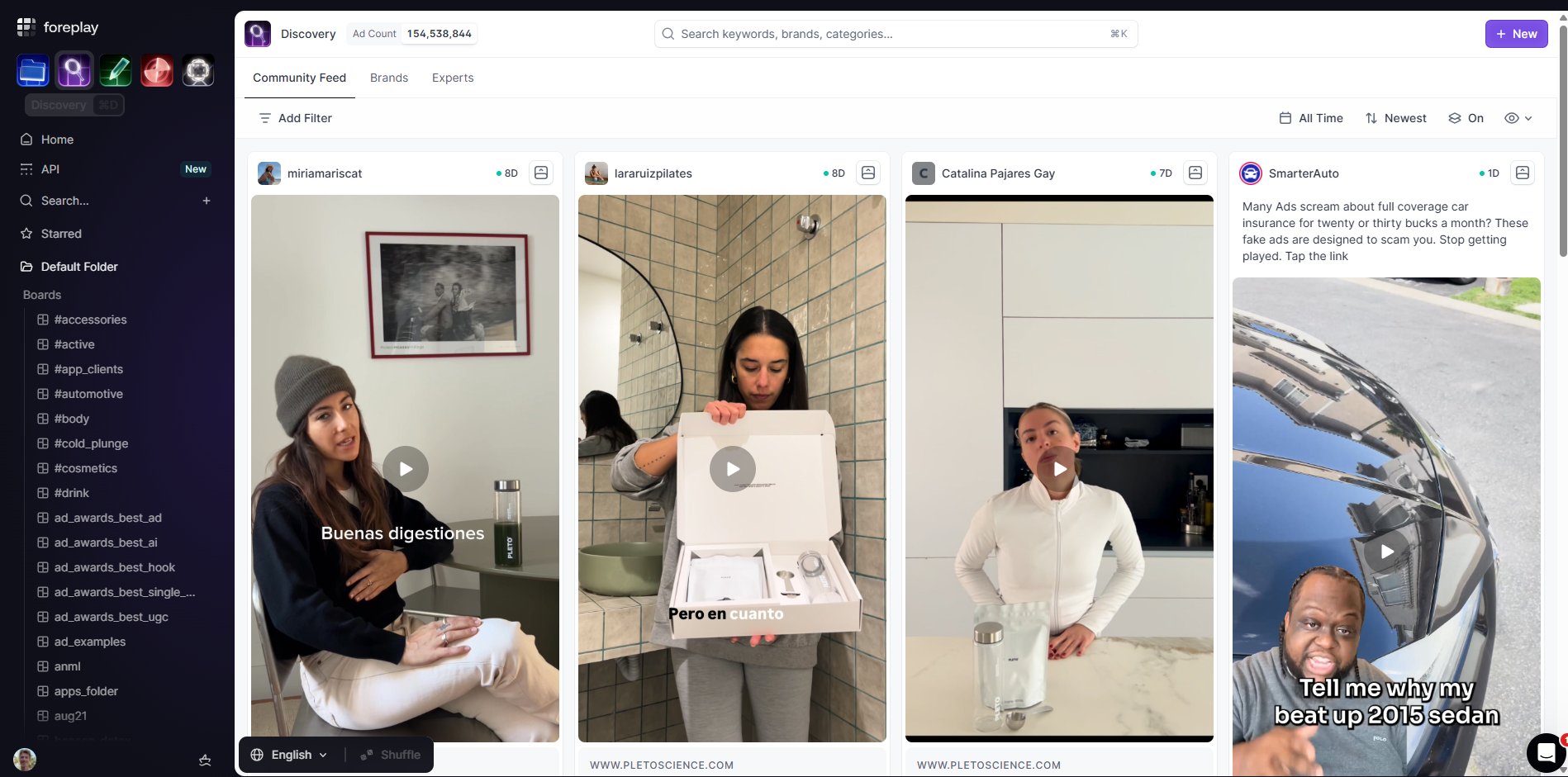

If you are running a creative for a brand or an agency, your problem is not a lack of ads. It’s finding the right ones fast.
This is where Foreplay’s Discovery comes in.
You’re basically sitting in the world’s largest ad library. Tens of millions of ads across platforms, niches, and formats. Your job is to turn that into a focused research tool for your brand.
Start In Discovery
Inside Foreplay, click Discovery in the top left.
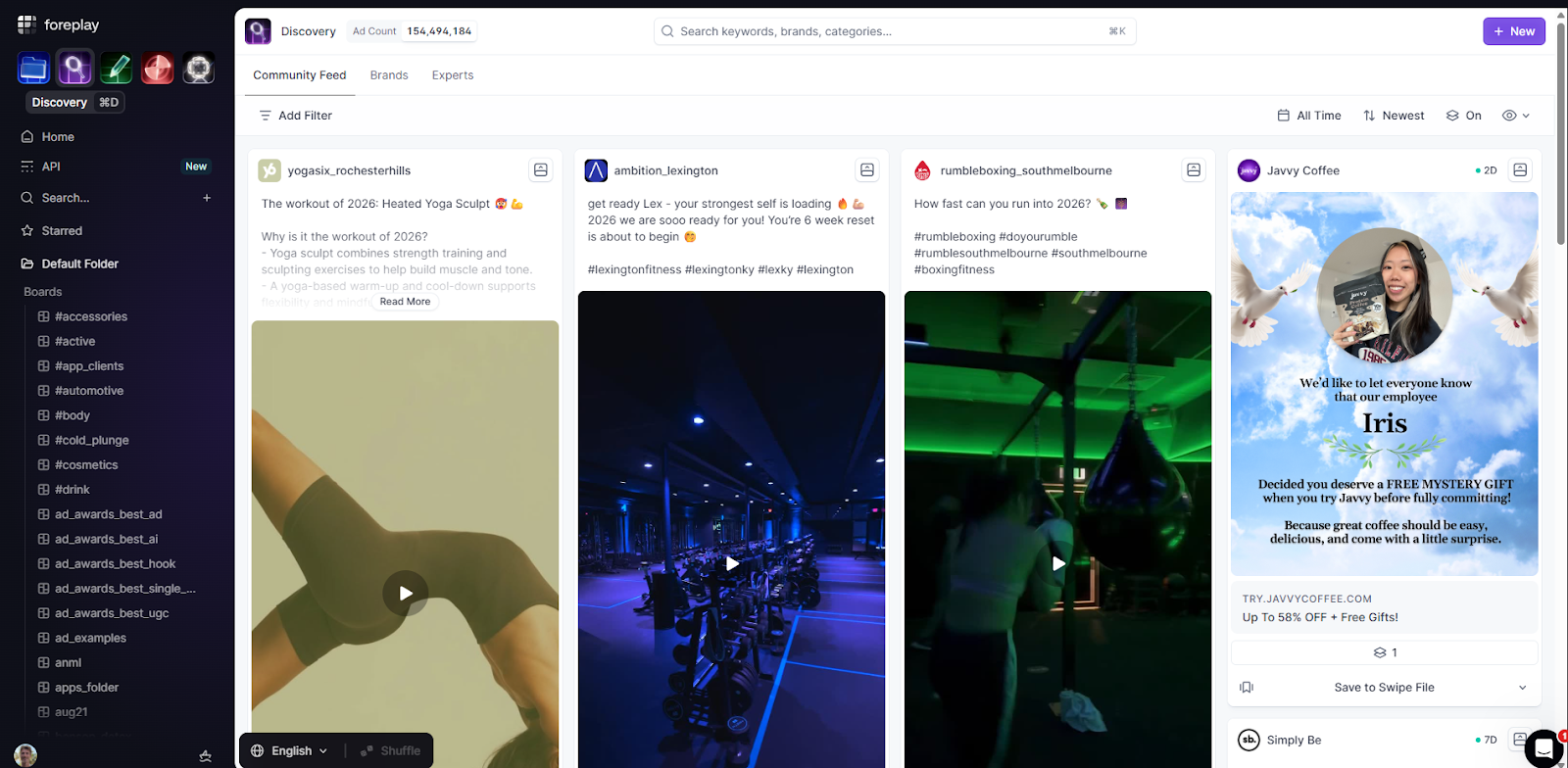
You’ll see a huge grid of ads. From here you can search by:
- Brand
- Product category
- Creative target or audience
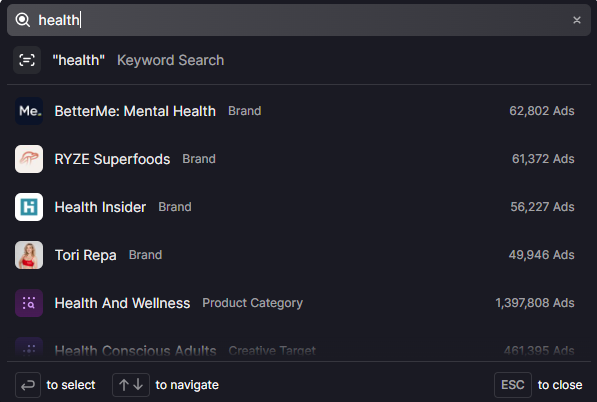
For example, if you’re working on a health offer, you could:
- Search a brand like “RYZE Superfoods”
- Filter by a niche like Health and wellness
- Select a creative target like Health conscious Adults or Health conscious Individuals
Once you click that target, Foreplay shows you every ad aimed at that audience across multiple brands and products. You get to see how a lot of different companies talk to the same type of person.
Stack Filters Instead Of Mindless Scrolling
The real power is in the filters.
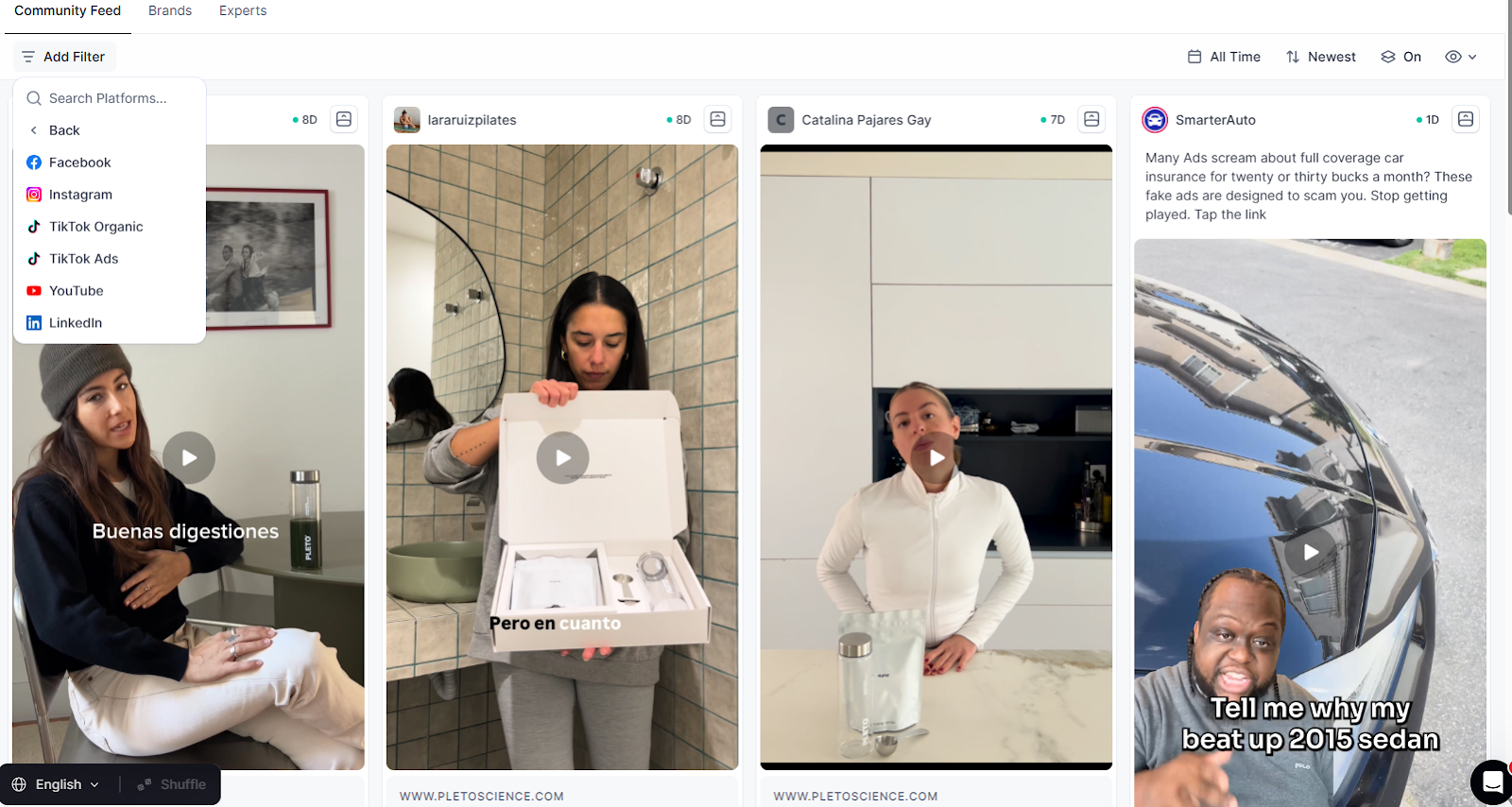
You can filter by:
Format
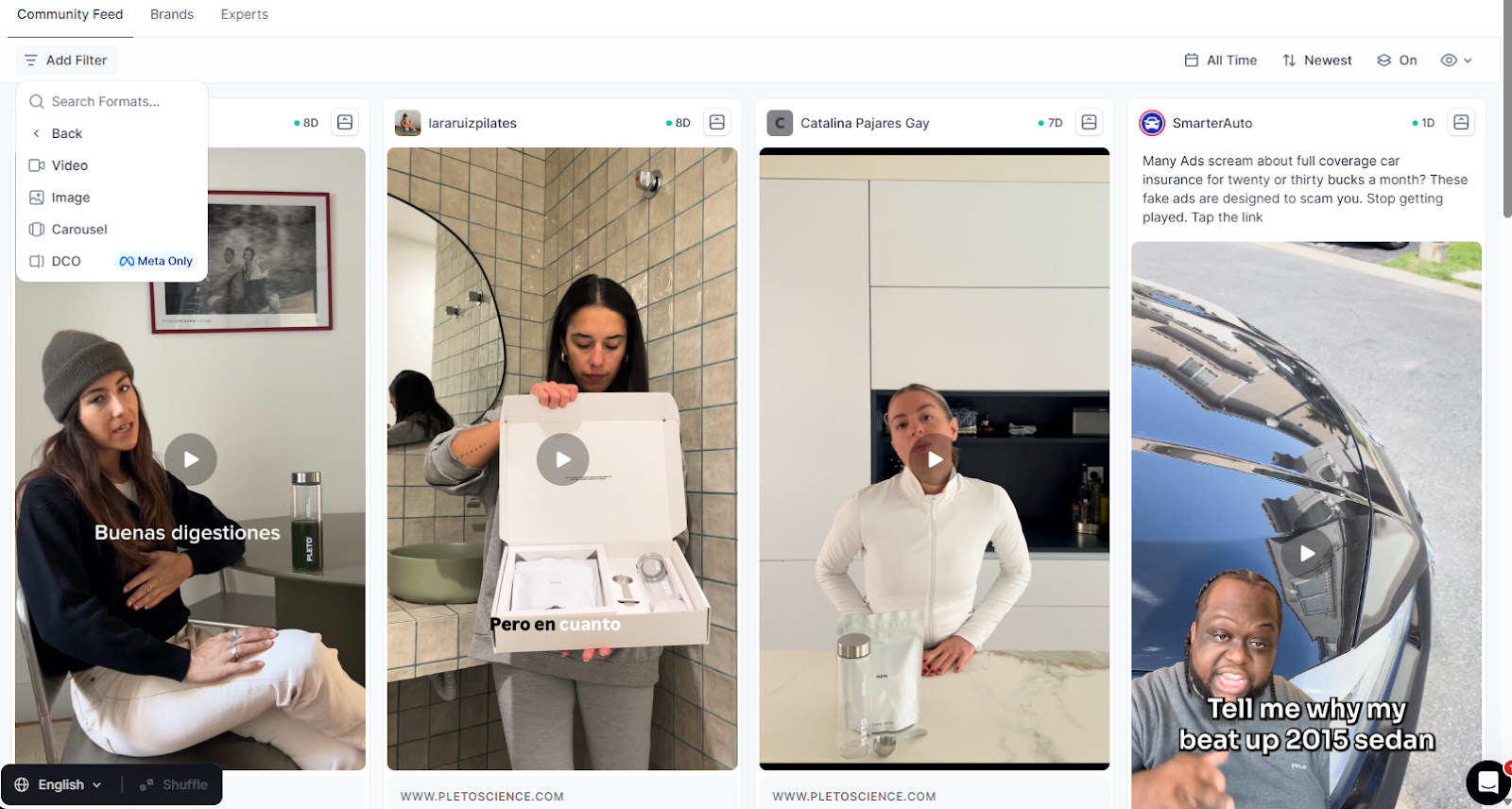
Platform
Status
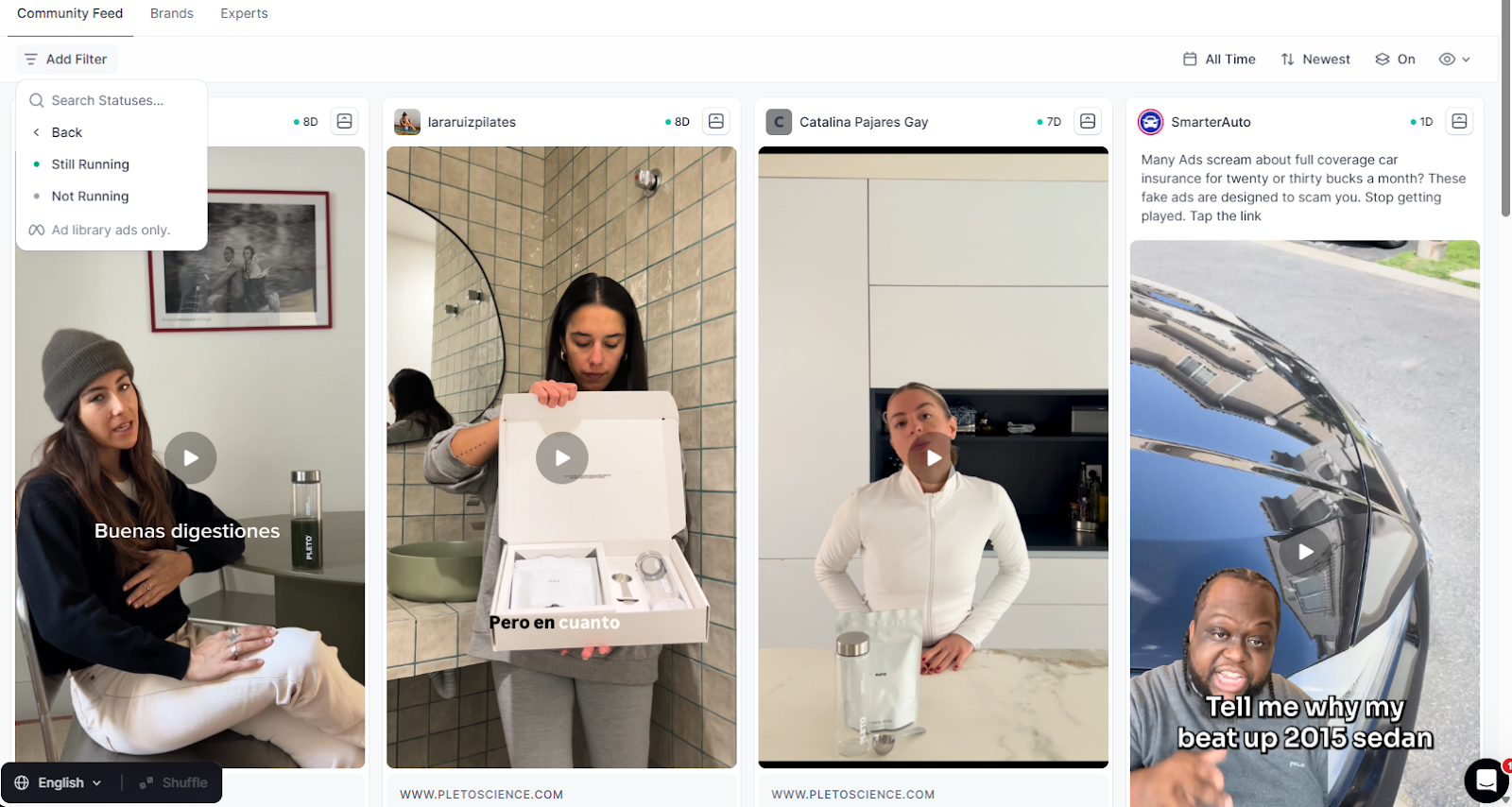
If you only care about what is working right now, filter for Active so you are not wasting time on dead tests.
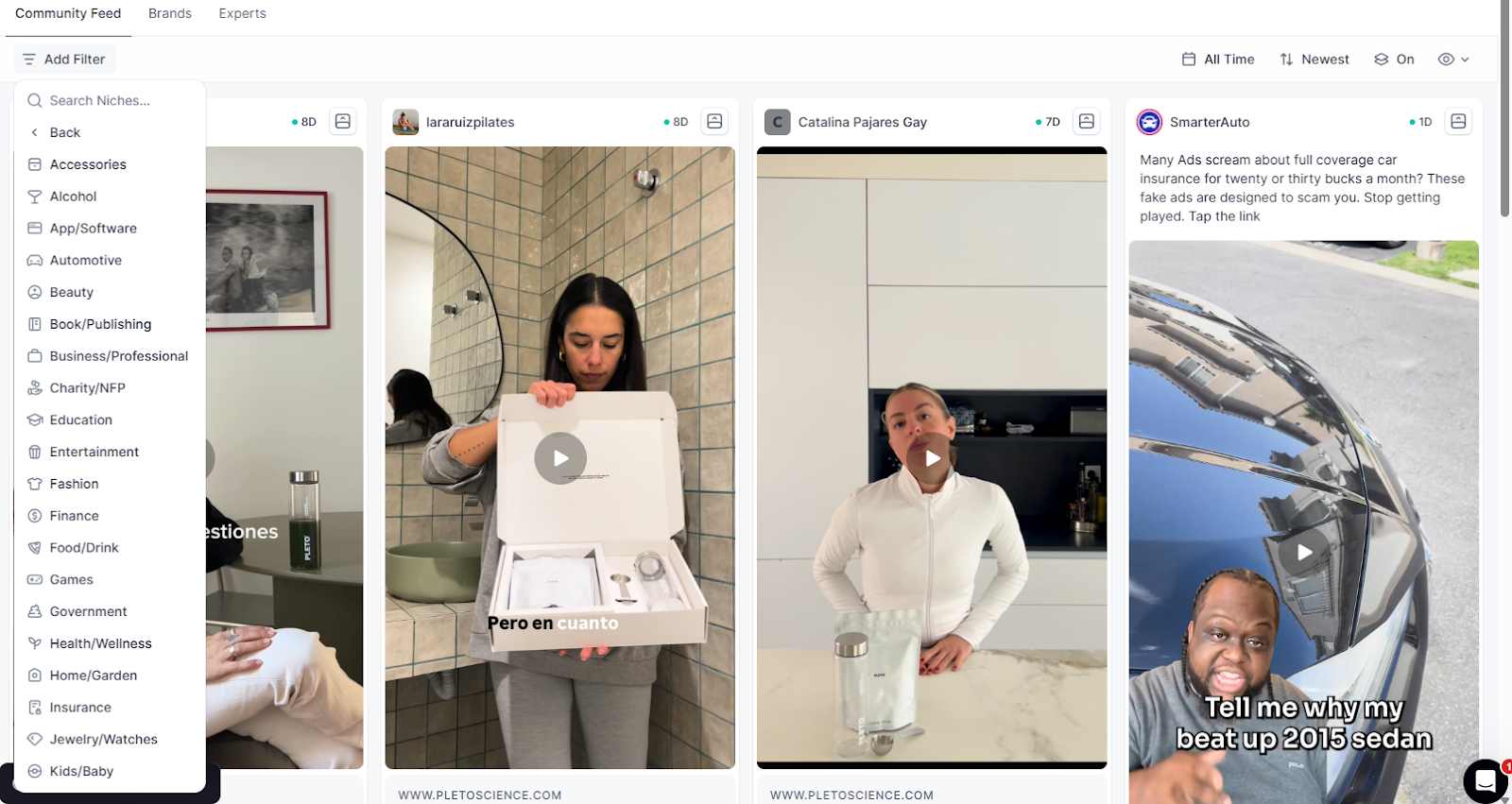
You can also narrow by:
Niche
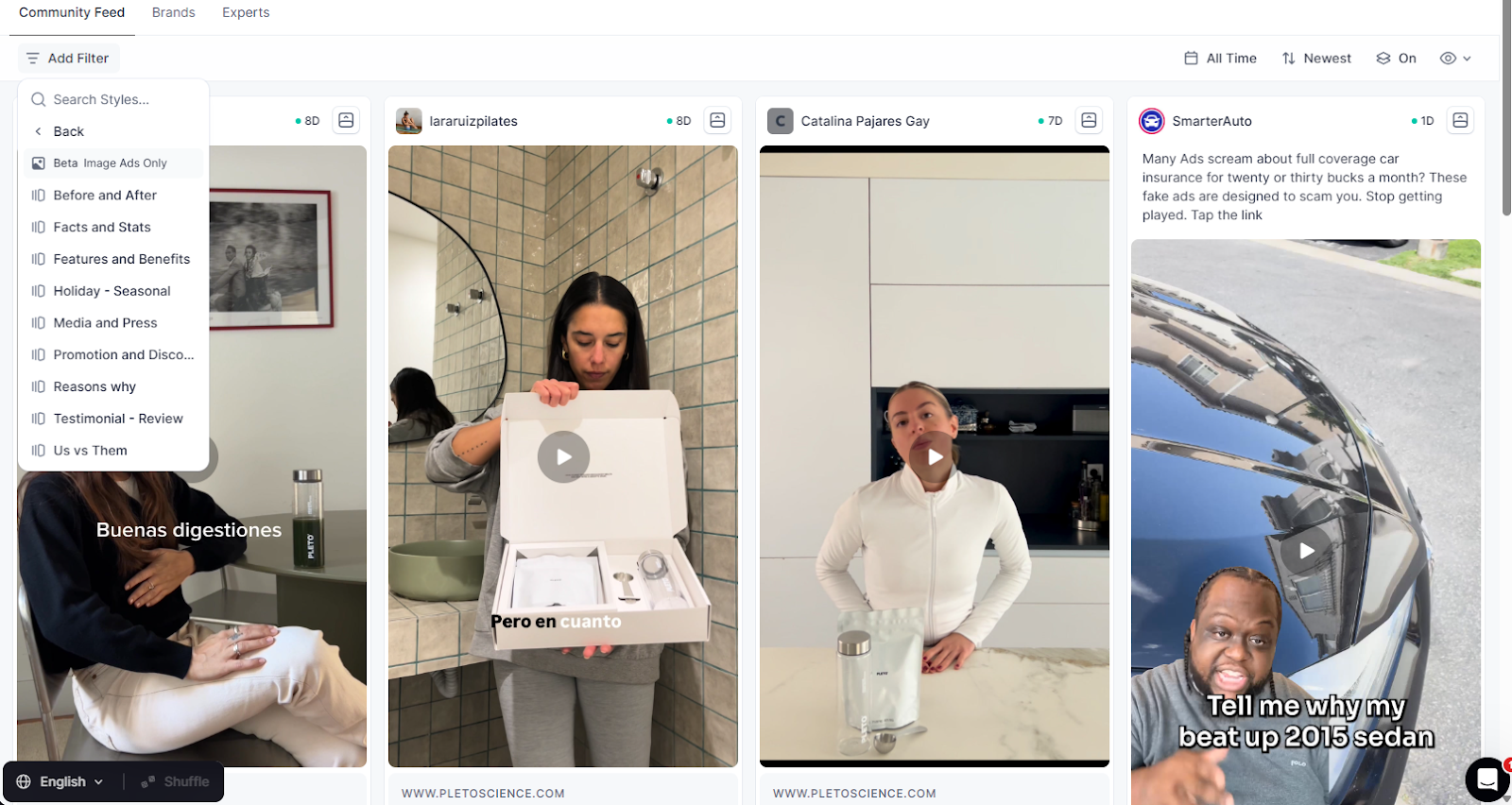
Content style
Target market
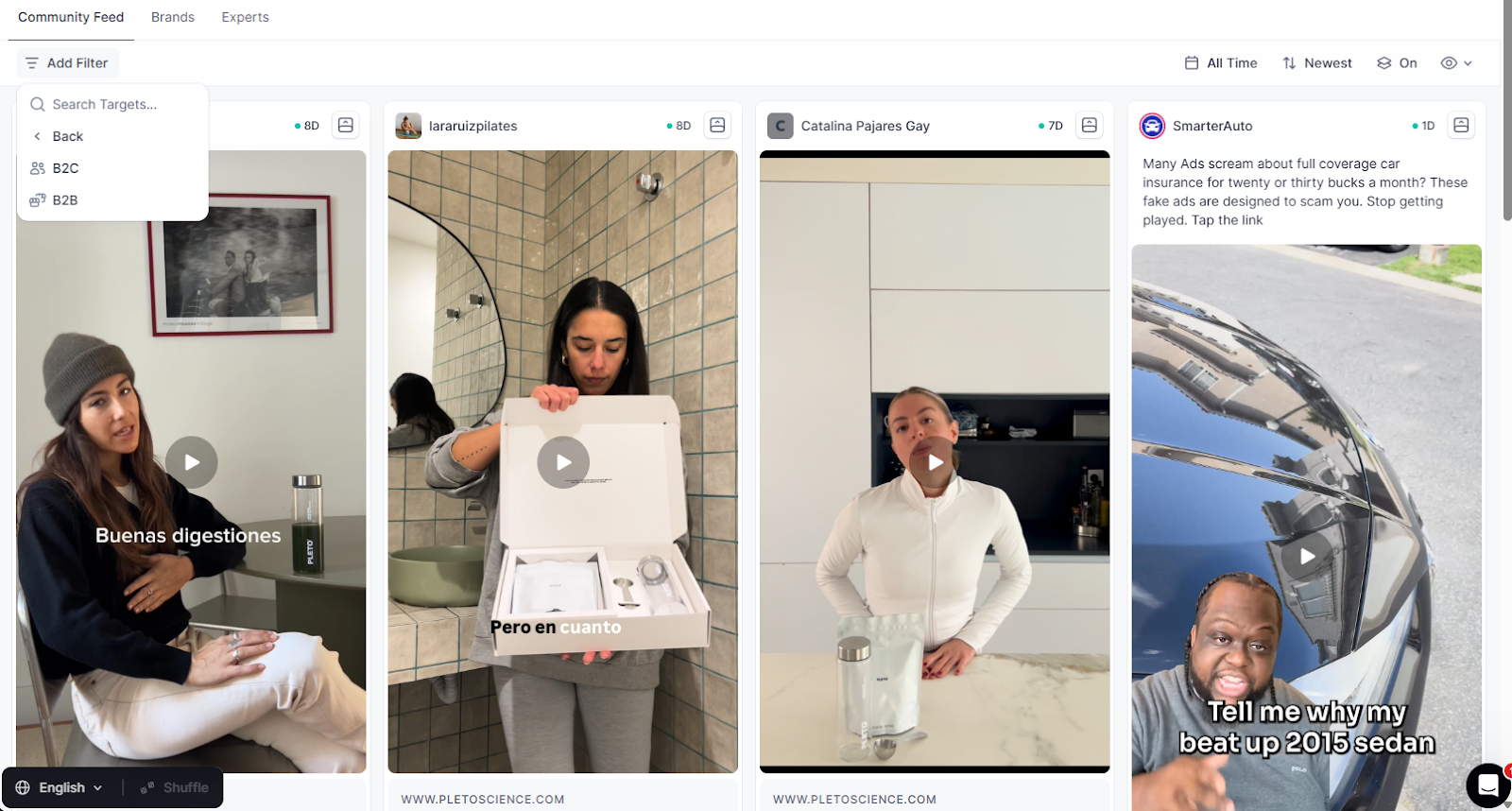
Now instead of staring at every ad in the library, you might narrow it down to something like:
- Health and wellness
- Video
- Testimonials
- Active
- Targeting health conscious adults
Which is a much better starting point for a brief.
Use Time Frames And Sorting To Stay Current
You probably care more about recent performance than what was working three years ago.
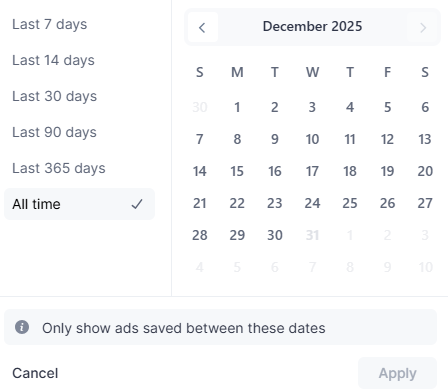
Use time filters to focus on ads:
- Launched in the last 7 days
- 14 days
- 30 days
- 365 days
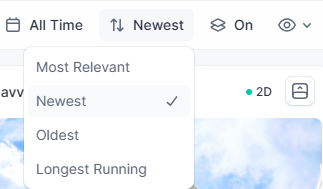
Then choose how you want to sort:
- Latest run to see what launched most recently
- Oldest if you want to see where a brand started
- Longest running if you want to see what they kept on and kept spending behind
If you want to see a fresh batch that still fits your filters, hit Shuffle in the bottom left and Foreplay will surface a new mix of ads for you.
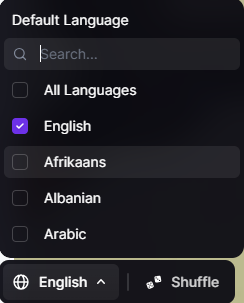
You can also add a Language filter if you only want English ads, or if you want to study how brands speak in other markets.
Learn From Specific Brands And Experts
Discovery is not just a random feed.
You can drill into:
Brands
See a list of brands and filter by niche, then study their ads in context.
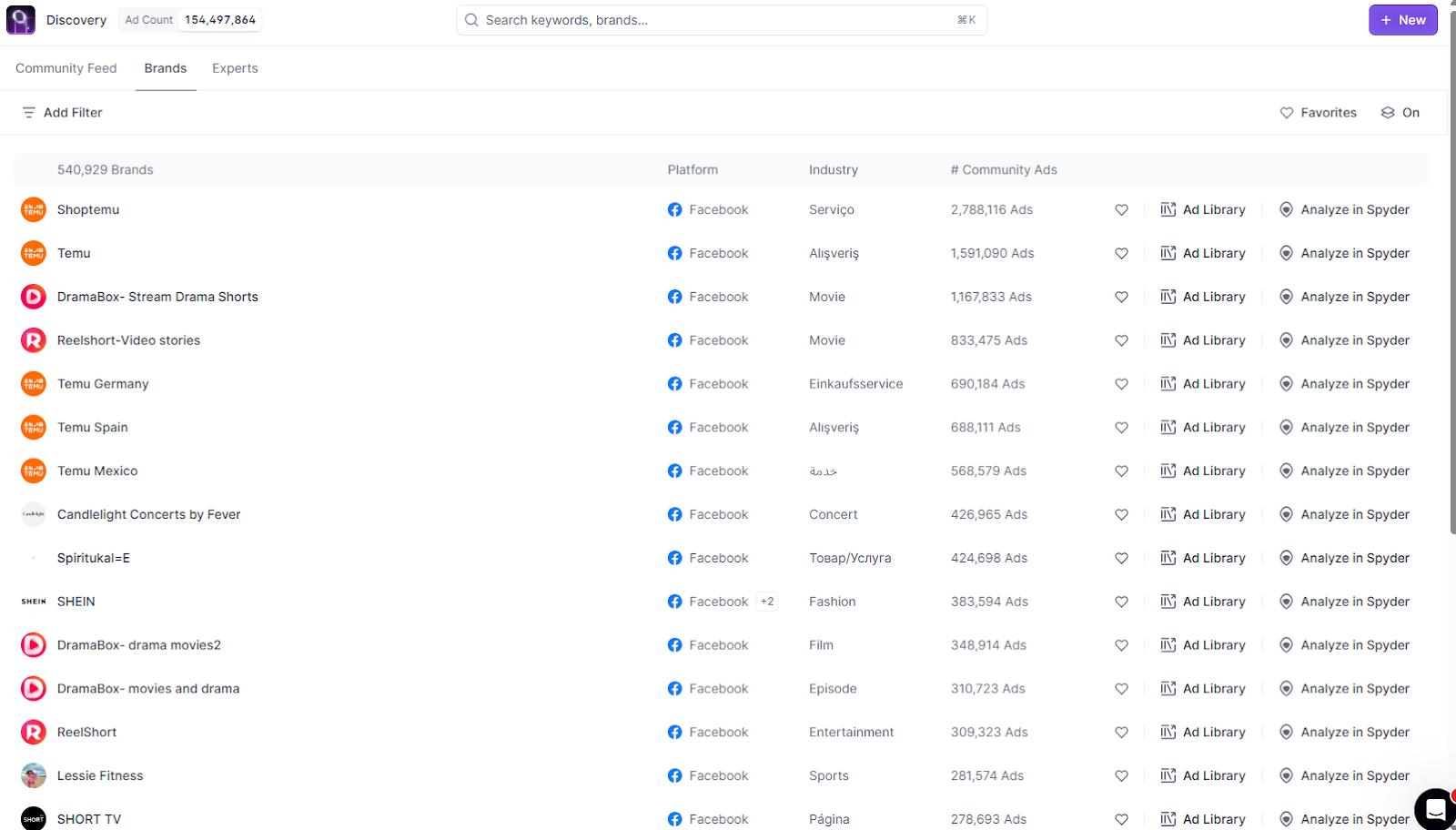
Expert boards
See boards curated by top marketers. Instead of listening to what they say on social media, you see the actual ads they are saving and using.
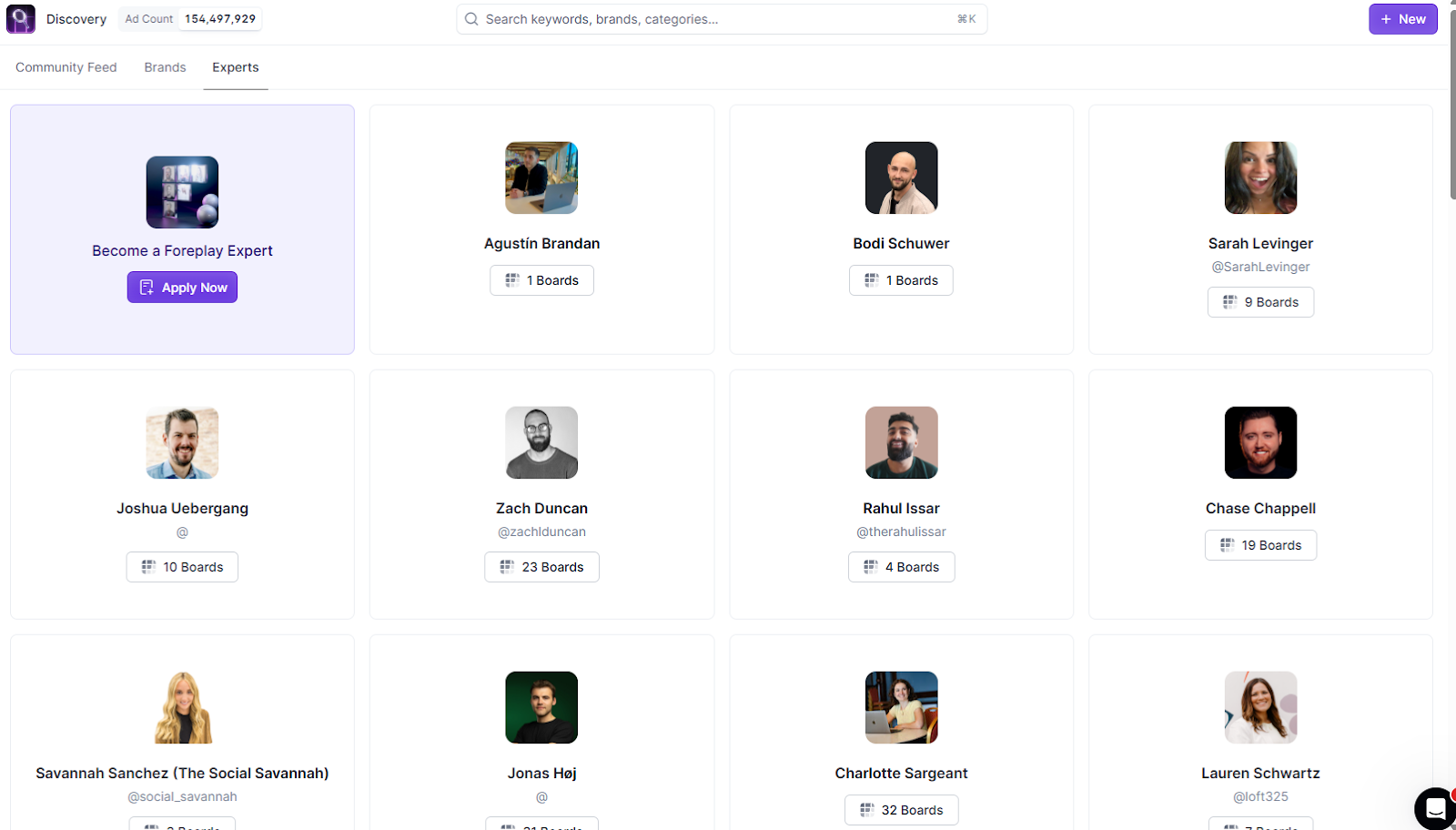
This lets you skip a lot of trial and error. You can study brands that are clearly growing and reverse engineer how they talk, which angles they lean on, and how their creative evolves over time.
How To Use This In Practice
A simple workflow:
- Pick your niche and audience
- Use Discovery to pull ads for that audience across multiple brands
- Filter by format and content style that matches your plan
- Sort by longest running to see what stuck
- Save the best ads into boards for your brand or client
Now your strategy is not chasing one-off ads. It’s spotting how leading brands talk to the same audience, seeing the patterns, and building your own take on them.
That is how you take the world’s largest ad library and turn it into a strategy that follows what the market is proving, not just what looks cool.
