How To Save And Share Ads With Your Swipe File in Foreplay
This walkthrough covers how to use Swipe File in Foreplay to save ads from anywhere, sort them into clean boards, grab links for your team, and dig into targeting and performance so you go from “this ad looks cool” to “this is exactly how they talk to this customer.”

How To Save And Share Ads With Your Swipe File in Foreplay
If you’re running ads for multiple brands, your inspiration is probably scattered everywhere.
DMs, screenshots, random links.
And nobody ever finds that “one great ad” again when it is time to make something new.
Swipe File in Foreplay fixes that.
It’s where you save, organize, and share ads with your team so they actually turn into creative that ships.
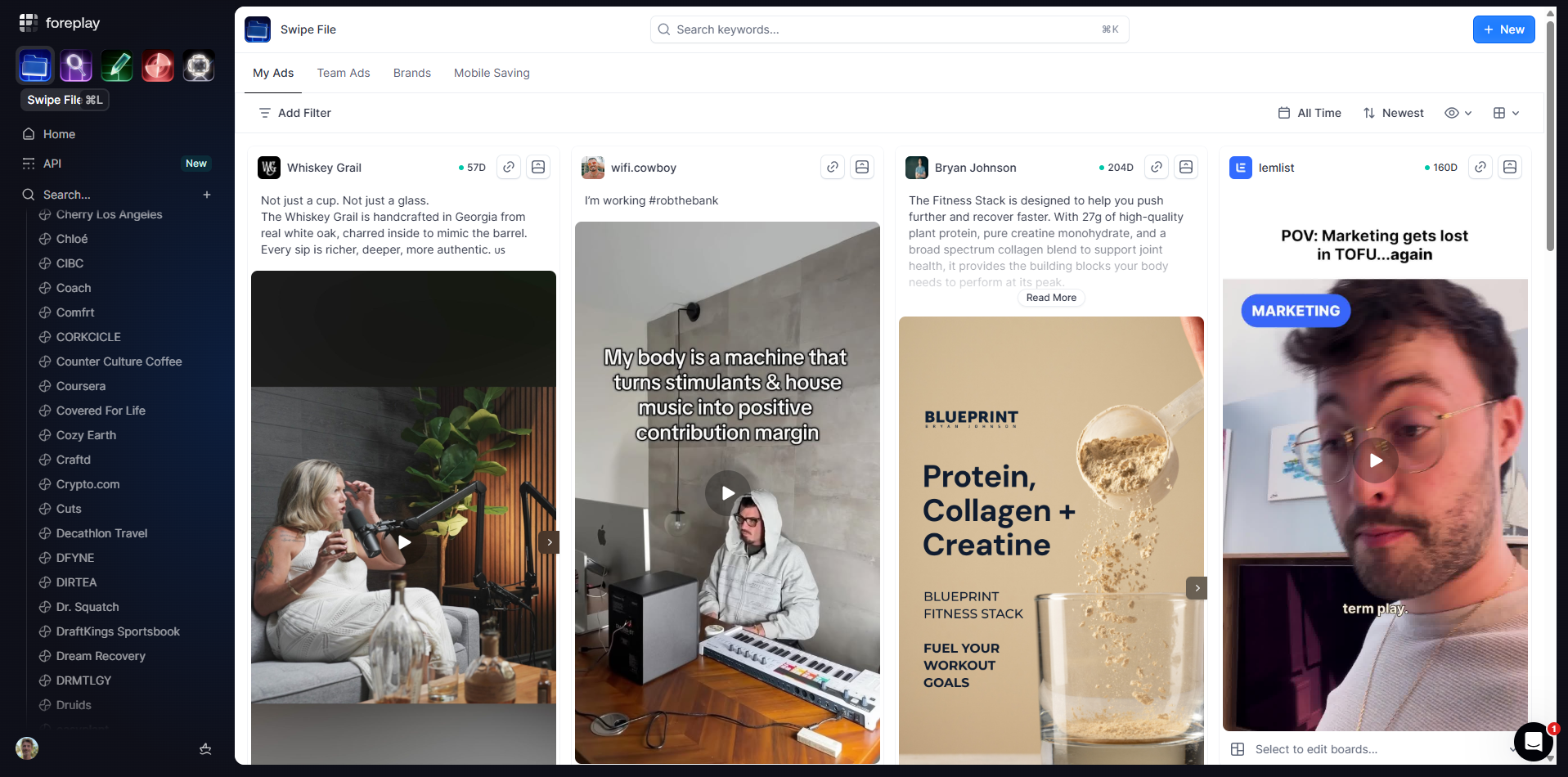
See all your saved ads in one place.
Foreplay’s Swipe File
You will see every ad you’ve saved with Foreplay in one view. For example:
- Ads from the fastest growing brands like Ridge, HiSmile, Glossier.
- Your own saved ads
- Your team’s saved ads under Team ads.
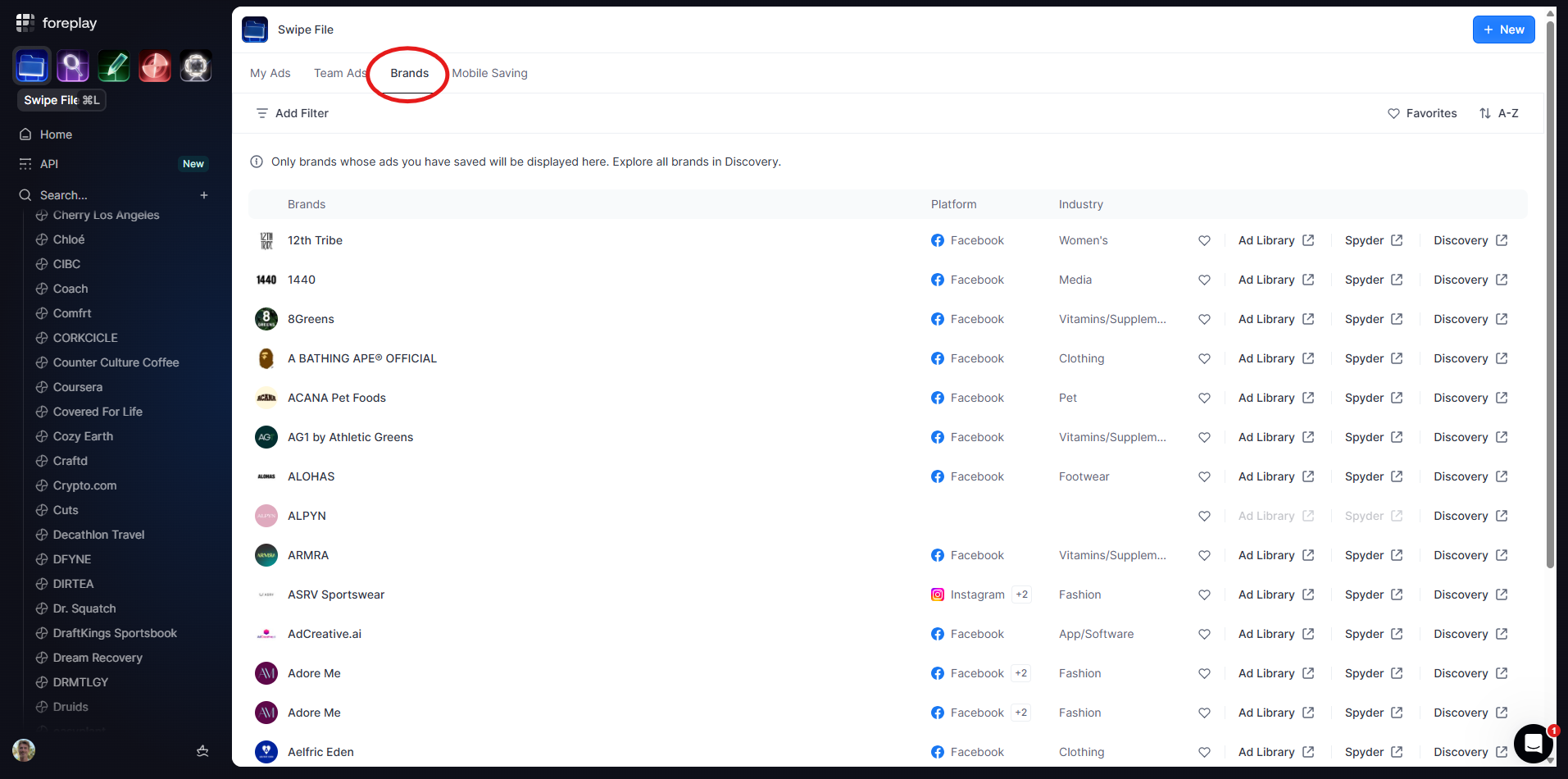
You can also switch to Brands to filter ads by specific brands you care about, like:
- 12th Tribe
- Alo Yoga
- Apple
- Etc.
You can grab ads on mobile as you scroll. Yes, doomscrolling now counts as “strategy.”
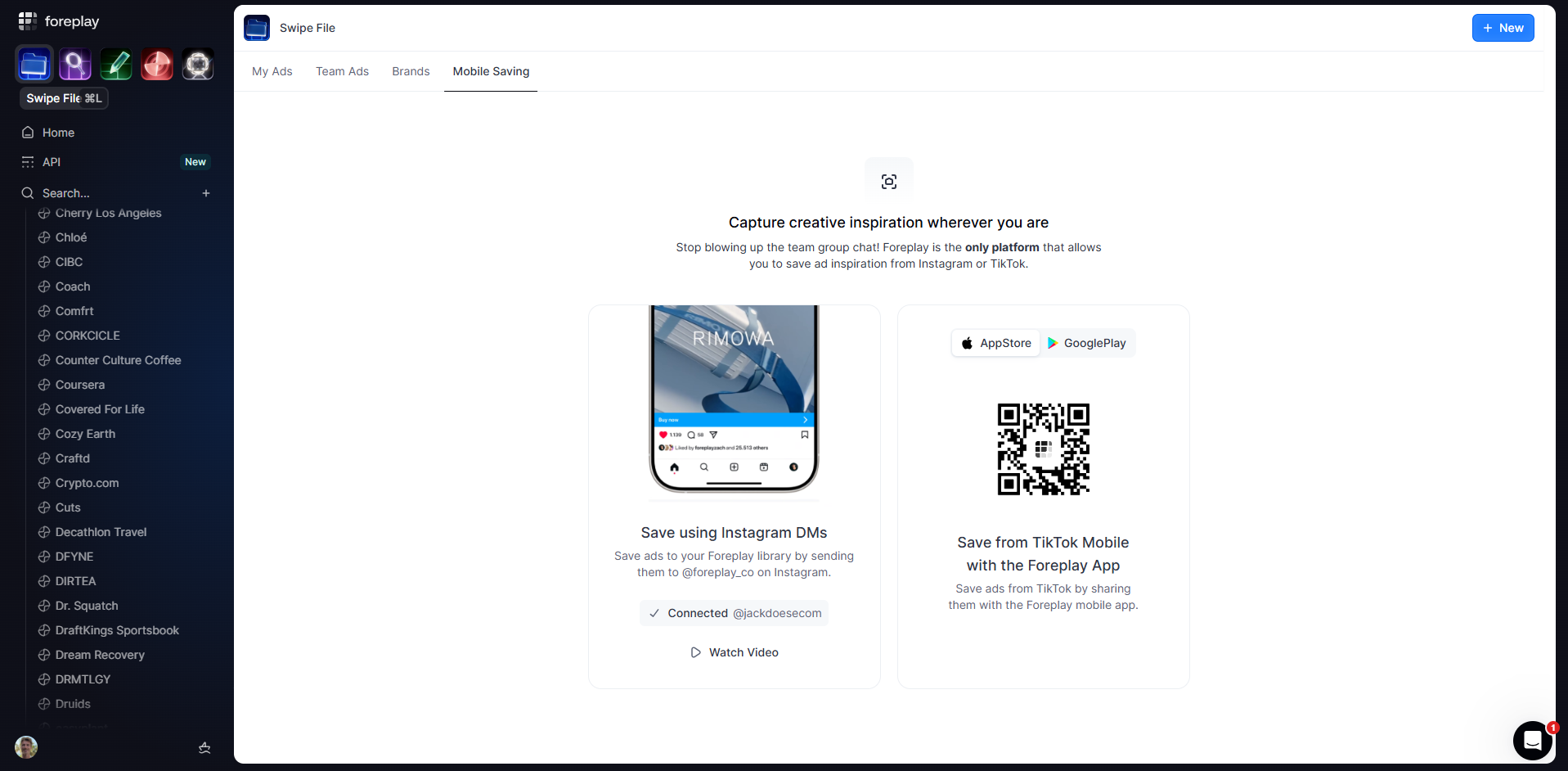
From the Mobile saving section you can:
- DM ads directly to the Foreplay Instagram account.
- Download the Foreplay app.
- Share ads straight from Instagram or TikTok into your Swipe File.
- Organize ads into boards and folders
So when you see something good while scrolling, it’s one tap away from being saved for later.
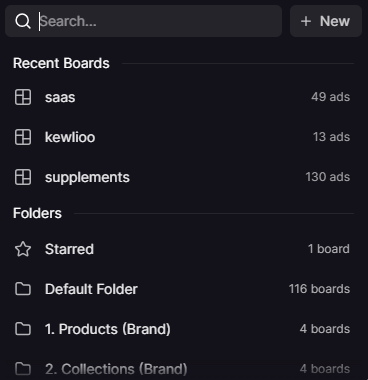
Inside your Swipe File you can add any ad into a Board.
Open the dropdown on an ad and you will see all your folders and boards, for example you could have boards for:
- Products
- Collections (for each collection on your store)
- Campaigns like “Mother’s Day” or “Father’s Day”
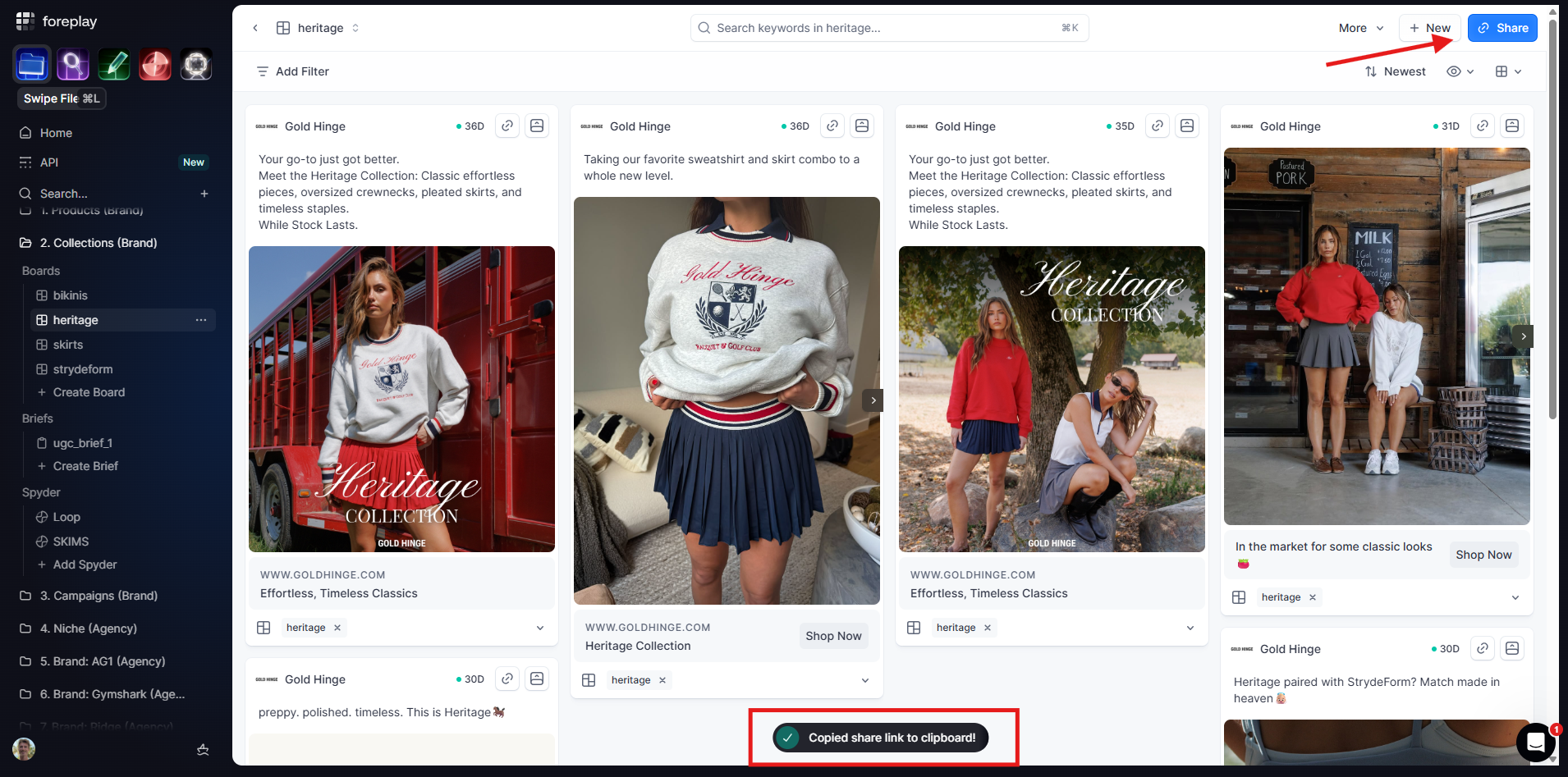
Pick the right board and Foreplay gives you a share link so you can drop it in Slack, email, or whatever group chat your team is pretending not to mute.
Over time you end up with clean, focused boards instead of random inspiration scattered across chats.
Share individual ads in one click
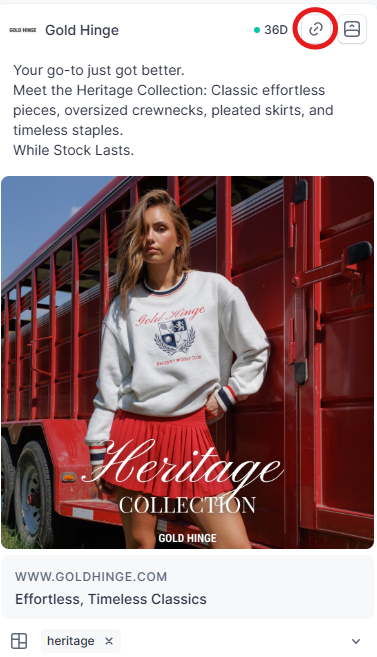
If you want to send an ad to someone, Foreplay makes it easy
- Click the link icon on that ad
- Foreplay copies a direct link to your clipboard
- Paste it into any messaging app and your teammate can open it instantly
No more screenshots or downloading, no more huge files and, no more “which ad are you talking about?”
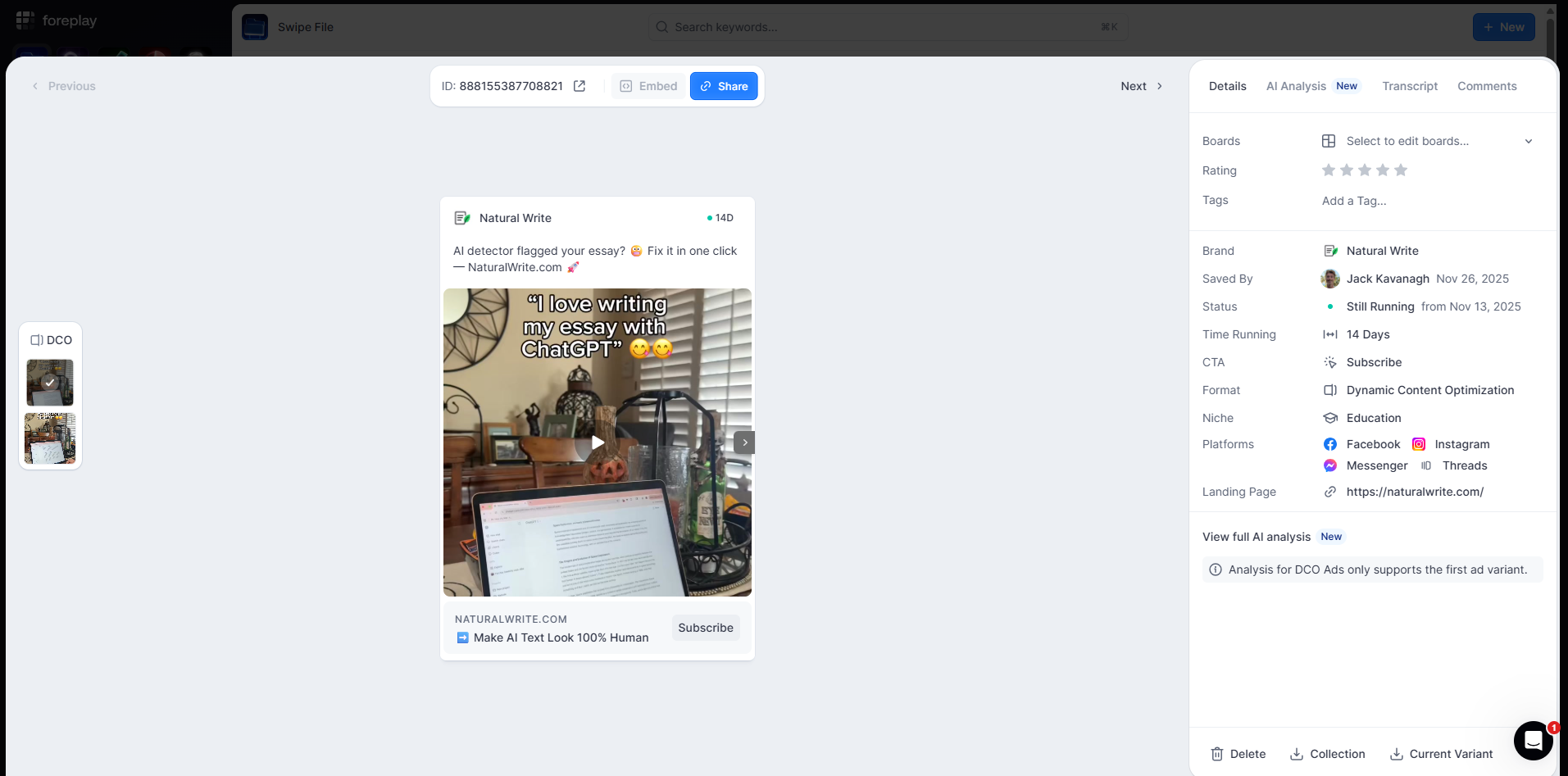
To learn more about the ad, click the Ad Drawer for deeper insight.
Here you can:
- See all the metadata for that ad
- You can rate the ad
- Add tags so you can find it later
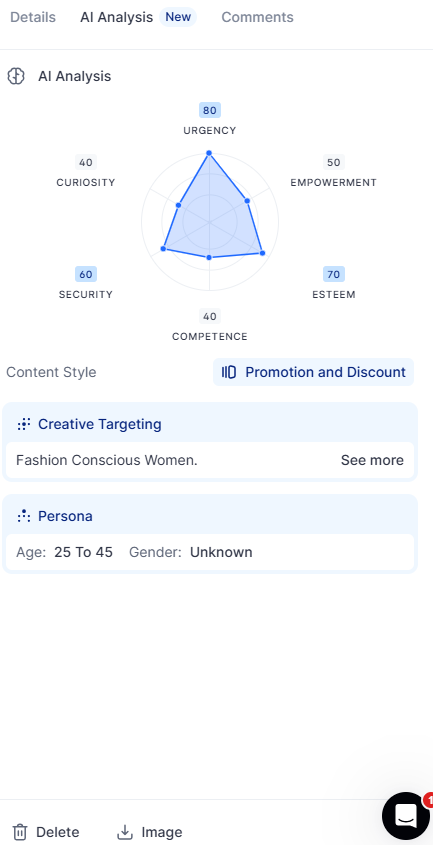
Click Creative Targeting to see who that ad is targeting.
For example, you might see that this ad is targeting women that are Fashion Conscious.
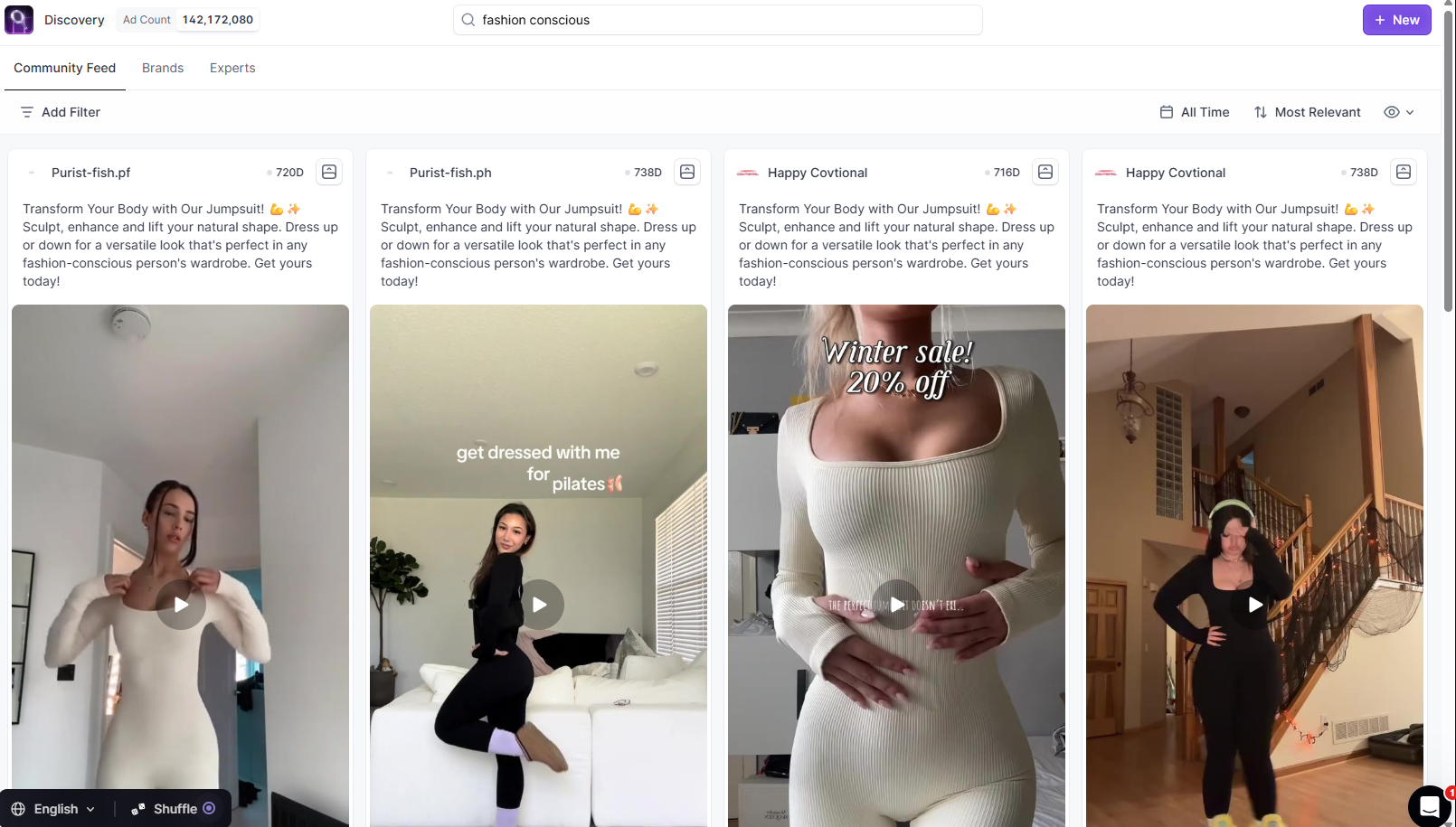
Hit “See more" and you will instantly see every ad targeting that same audience.
Foreplay helps you go from “this ad looks cool” to “this is exactly how brands talk to this customer.”
Using the Swipe File, you can:
- Save ads from anywhere
- Keep them organized by product, collection, or campaign
- Share them easily with your team
- Learn who they are targeting and why they work
You are not hoarding inspiration anymore. You are building a library your team can actually use.
