How to Use Spyder in Foreplay
This is a break down how to use Spyder to quietly watch the live ad market. See what top brands actually scale, how many creatives they run, which pages they send traffic to, and which hooks keep showing up so you can build smarter campaigns for your clients.
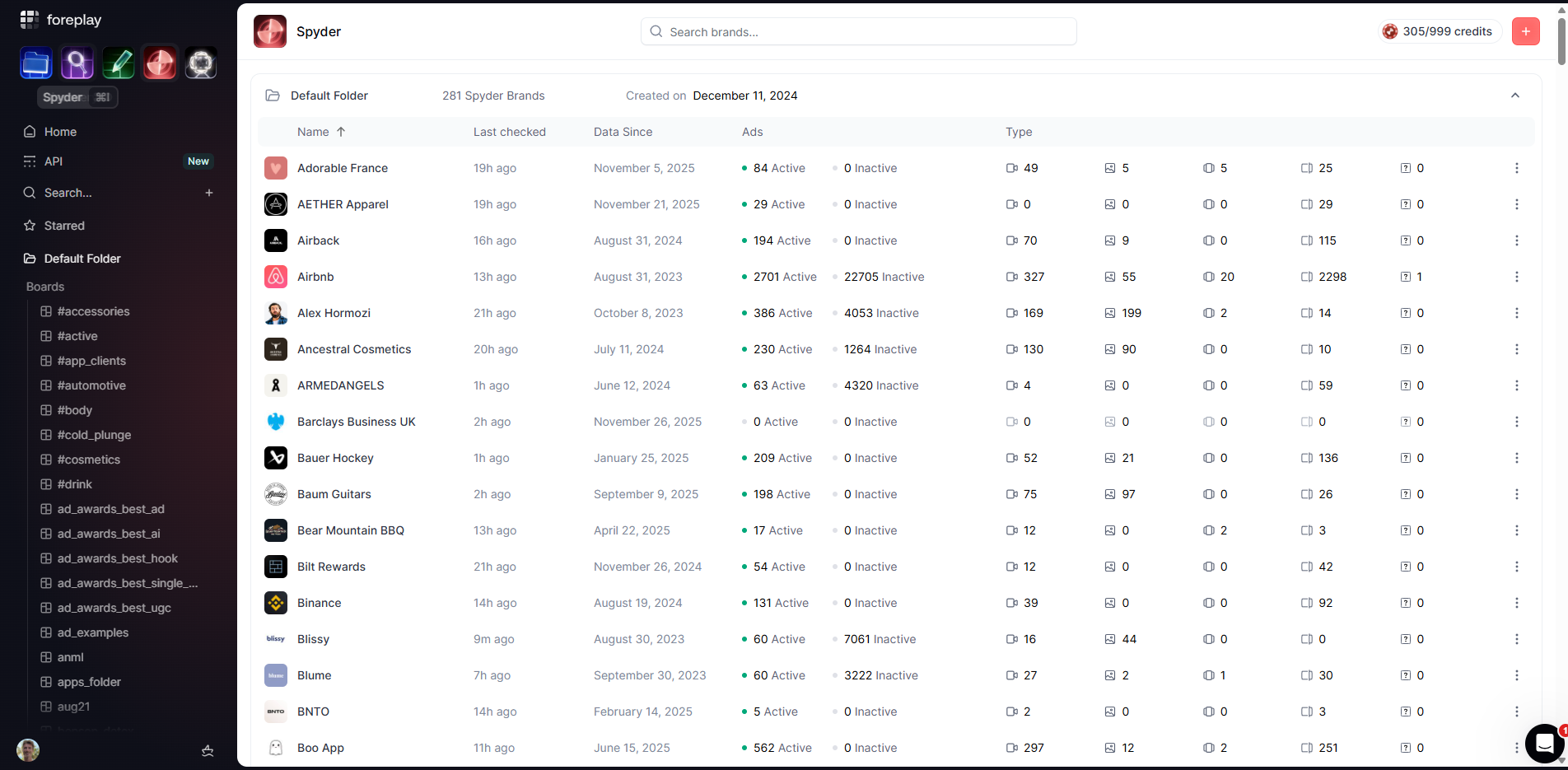

If you run a marketing agency, you already know researching facebook ads is time consuming. It can eat your whole week. Different brands. Different offers. Different angles.
Now imagine you could see every ad your fastest growing competitors are launching in real time. Would that change how you plan creative?
That is what Foreplay’s Spyder is for.
See every ad, from every brand, in real time.
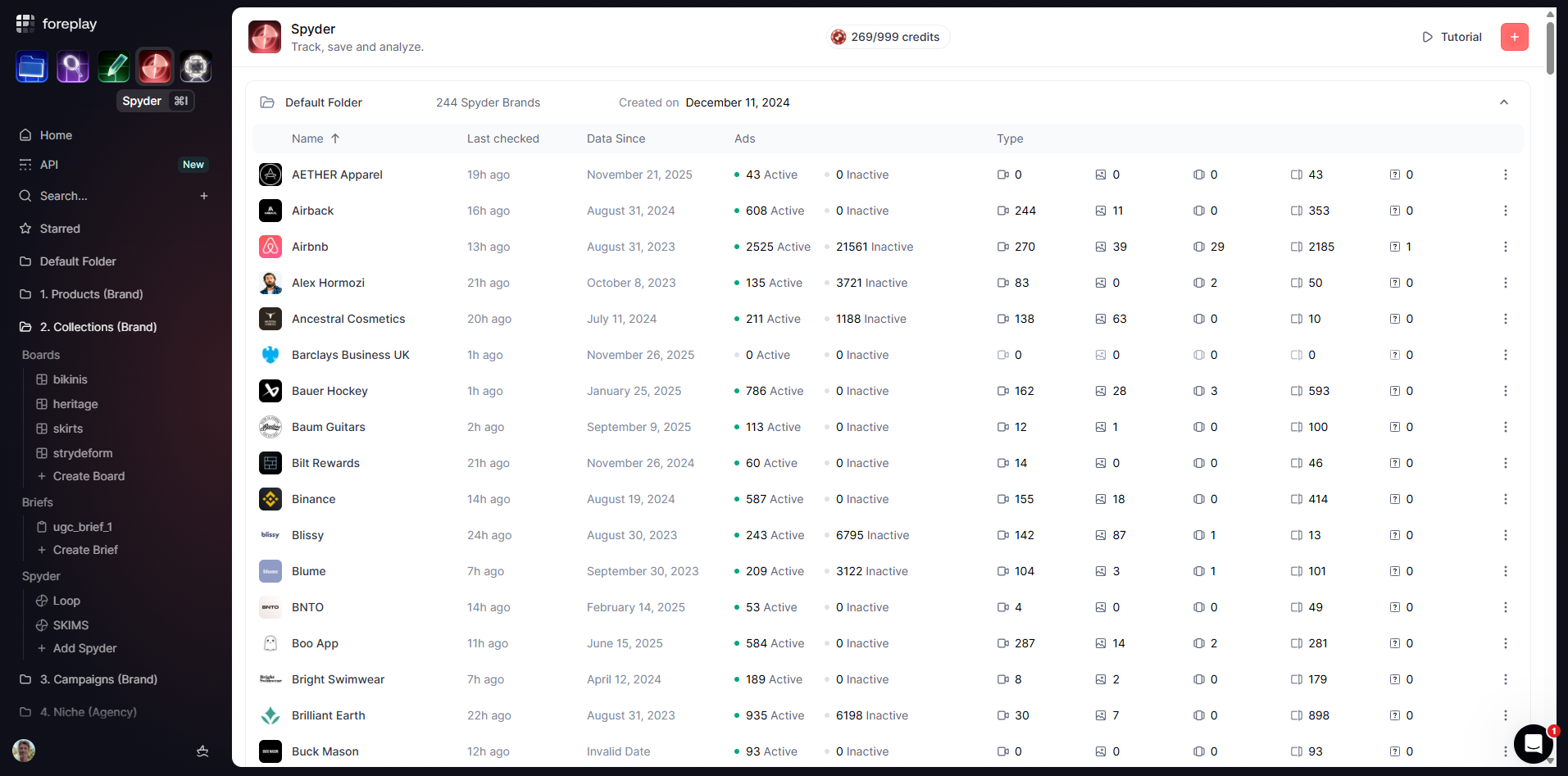
Inside Spyder, you can pull up any brand and see every ad they are running right now.
What they launched most recently and the exact mix of images, videos, carousels, and DCO.
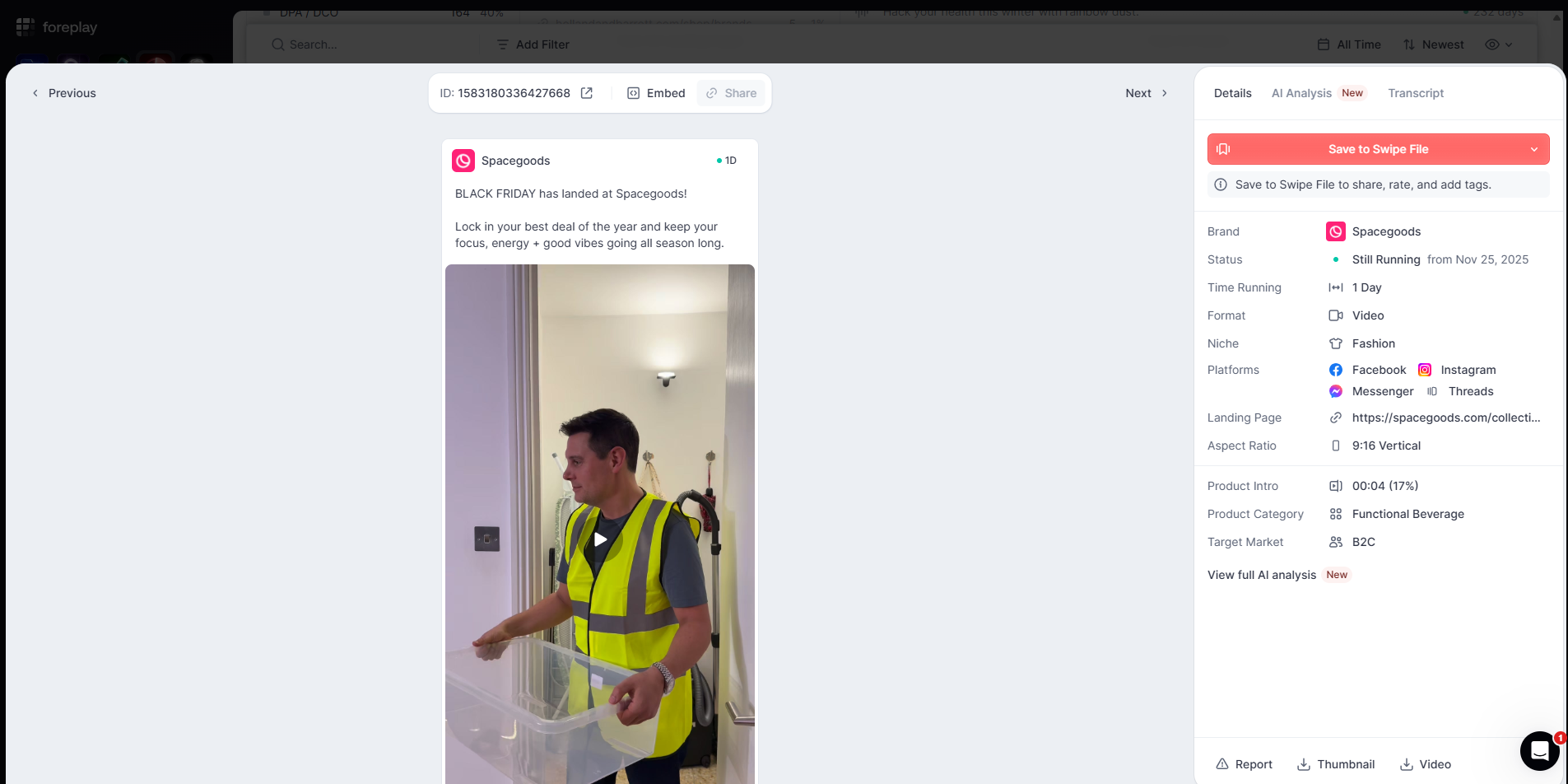
And you can click into any ad and see:
- The full video or image
- Primary text and headlines
- Platforms it is running on
- Aspect ratios
- How long it has been live
- Niche and other metadata
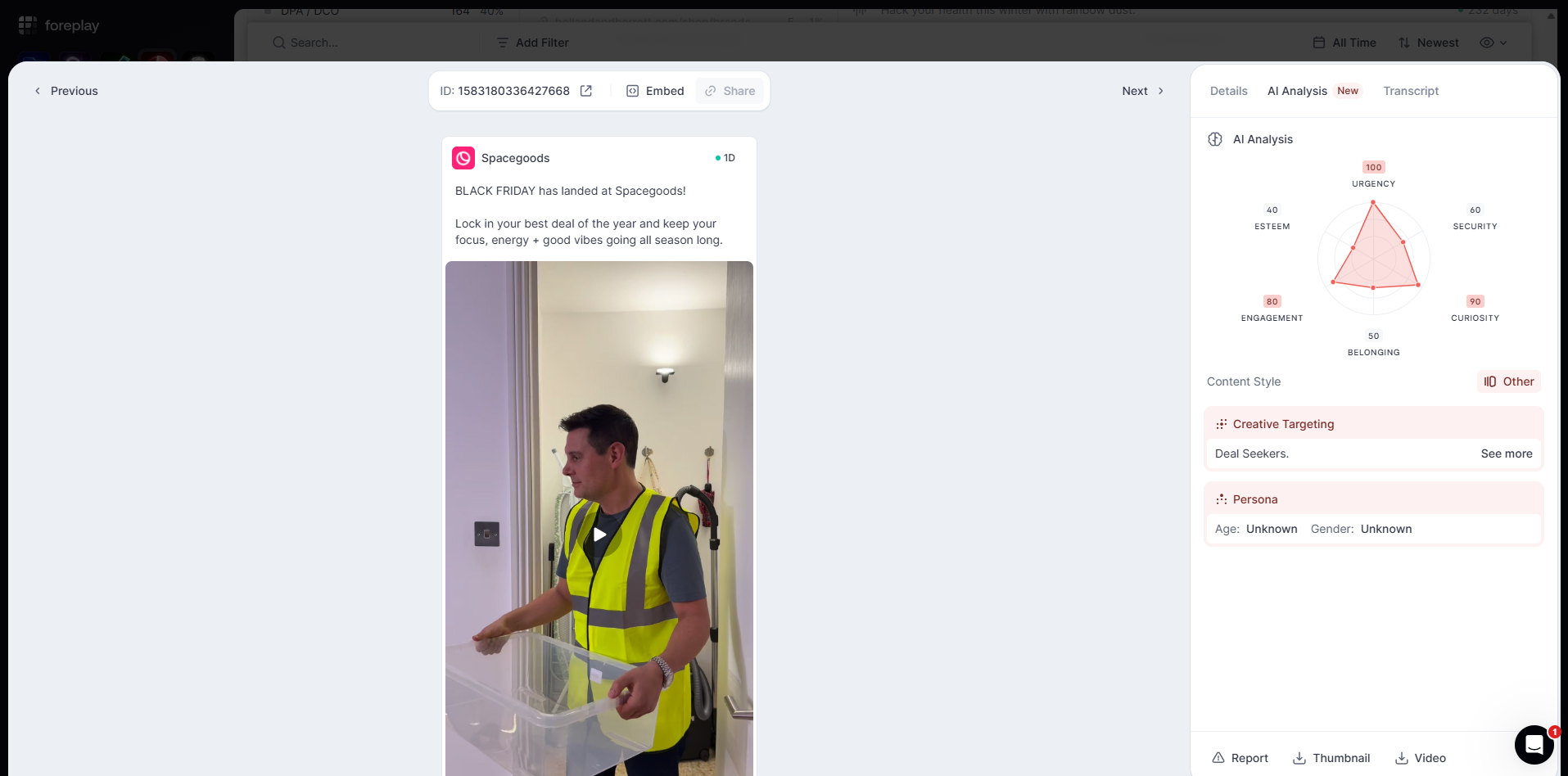
You can run an AI breakdown on the ads and it is all hands free.
All of this shows up without you doing any manual searching. No hopping between ad libraries. No screenshots. It is just there.
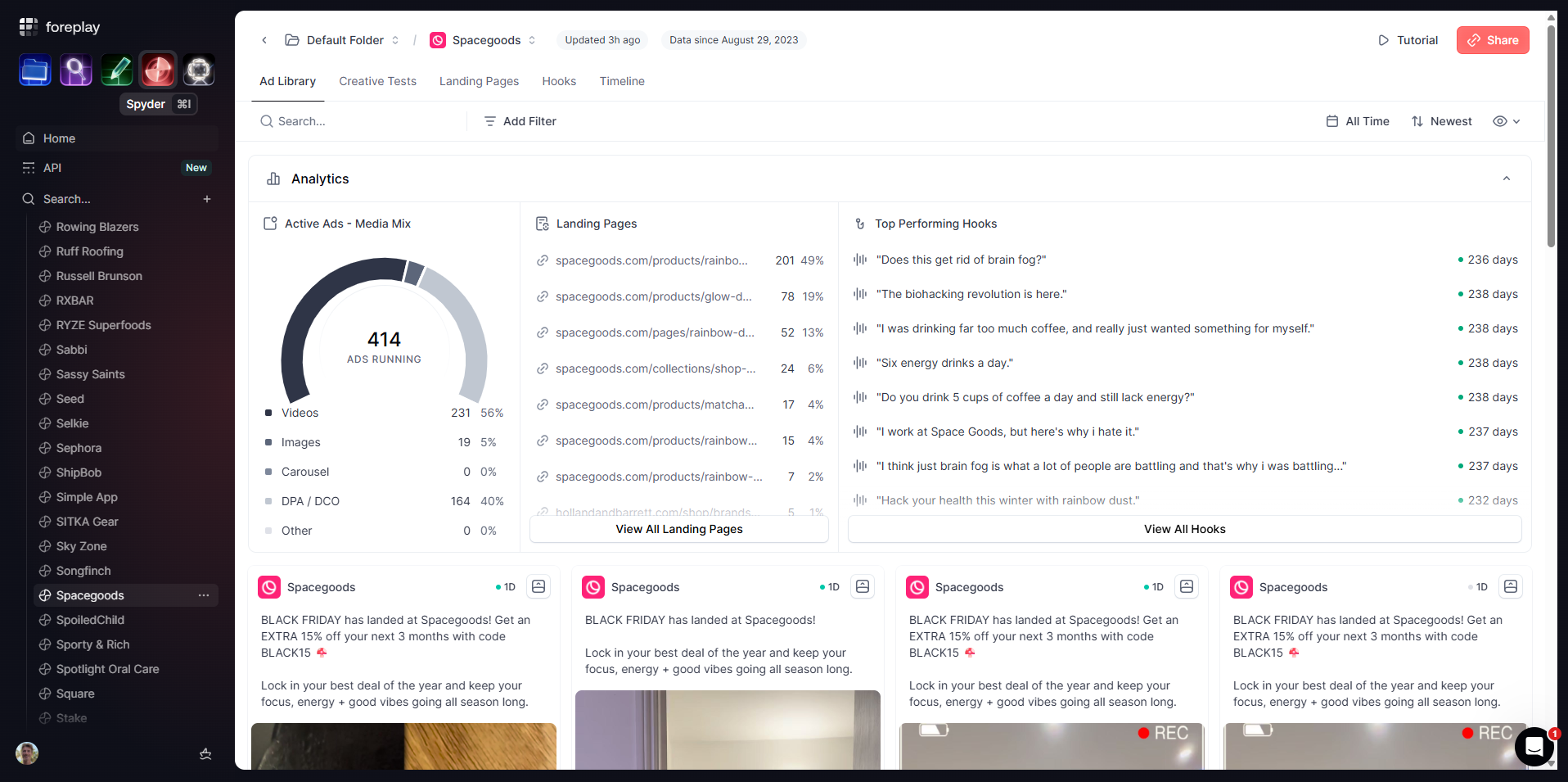
Volume tells you how many active ads they have running.
Sometimes the question is not just "what are they running", but "how many ads are they running".
Spyder shows you exactly how many ads a brand has live across their account.
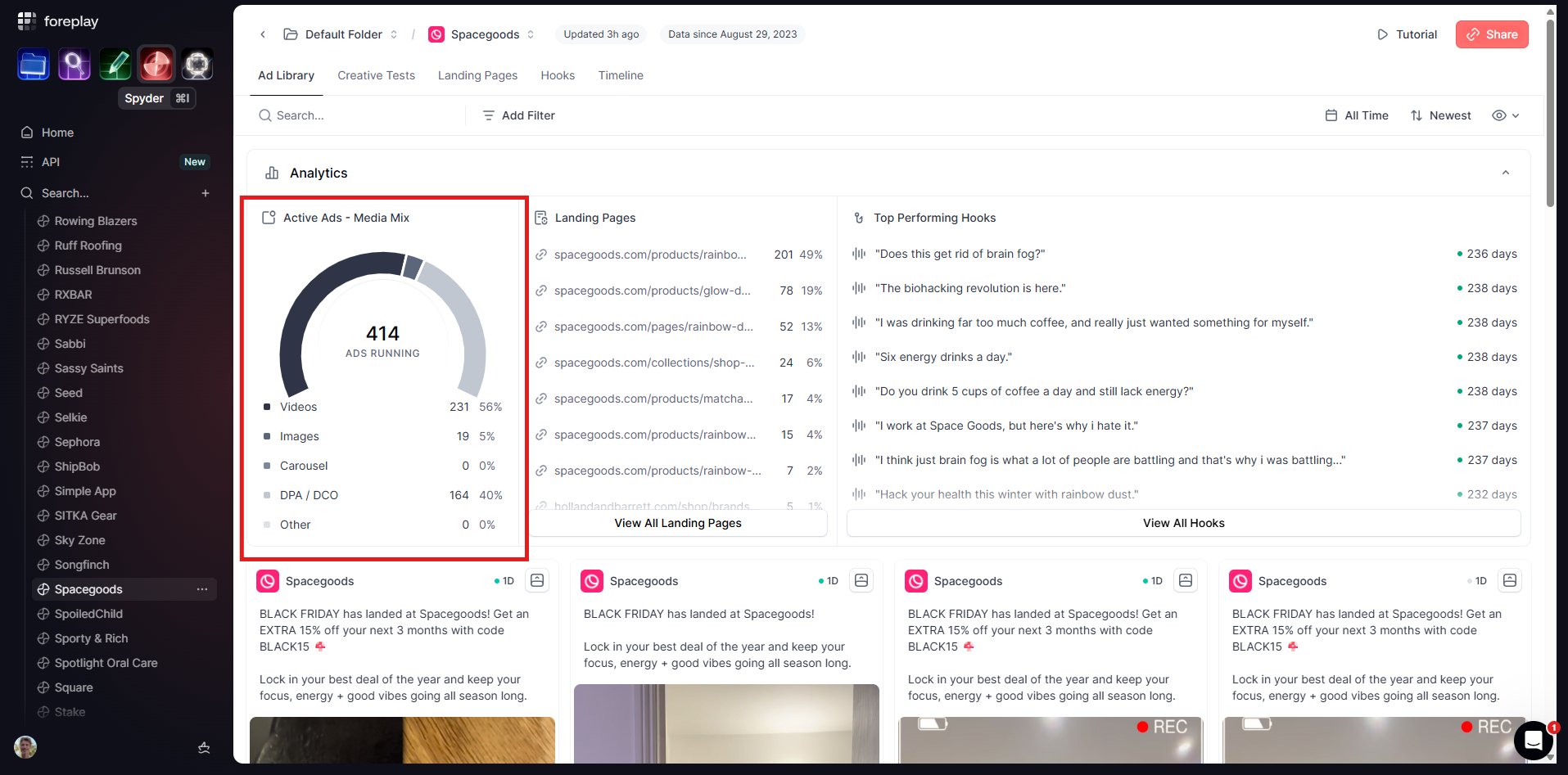
For example, you might see:
- 271 total ads
- 110 video
- 61 image
- 1 carousel
- 99 DCO
If volume is part of your strategy, that tells you a lot. You can see how aggressive the fastest growing brands are in each vertical and how that compares to your brand or your clients brands.
Stop guessing what actually works.
New ads don’t tell the whole story. Anyone can launch 20 tests in a week but that does not mean they’re working.
The real signal is what they keep on.
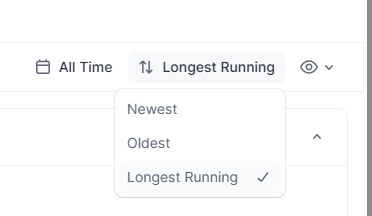
With Spyder you can switch between the "Latest ads" to "Longest running ads".
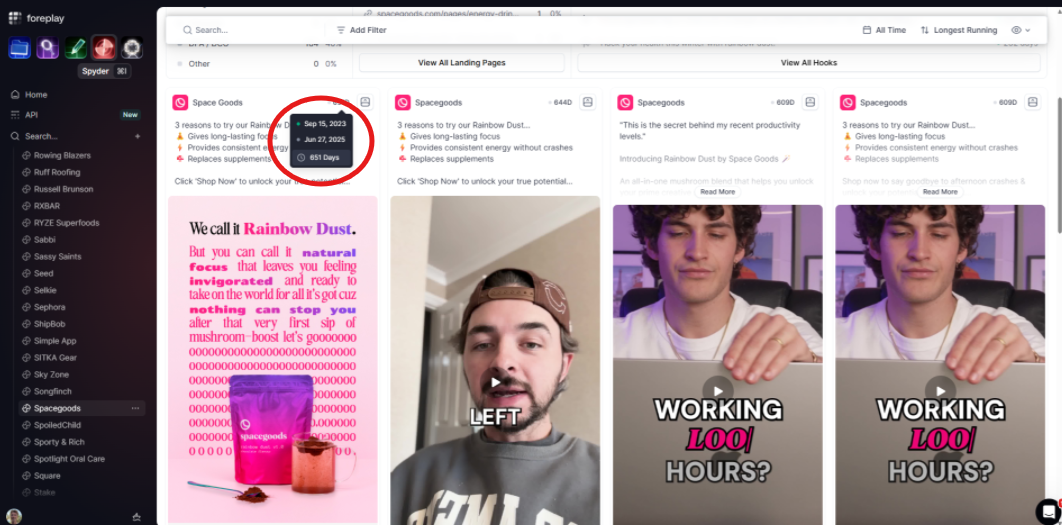
If a brand has an image ad that ran for 581 days straight, from September 2023 to April 2025, they’re not doing it for fun. Unless they love burning cash, that ad worked.
You can study those winners:
- What the visual structure looks like
- How product is framed
- What the use case looks like
- How heavy the text is
- What the hook line is
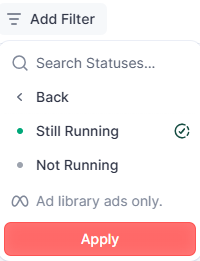
You can also add an "Active only" filter so you are only looking at what is still on today, not just past winners. Turn spying into a strategy.
Once you find the ads that matter, you can:
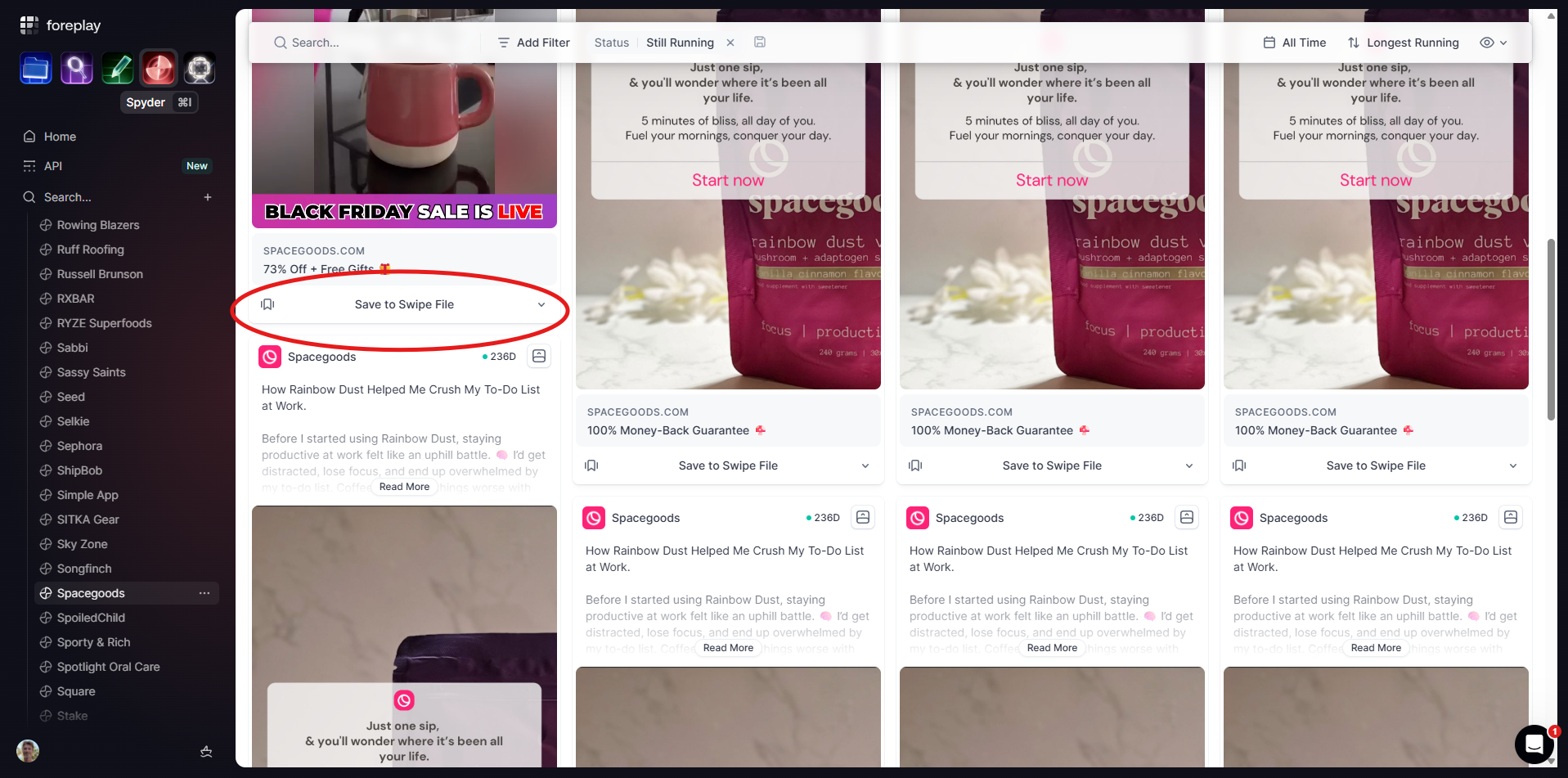
Save them straight into your Swipe File.
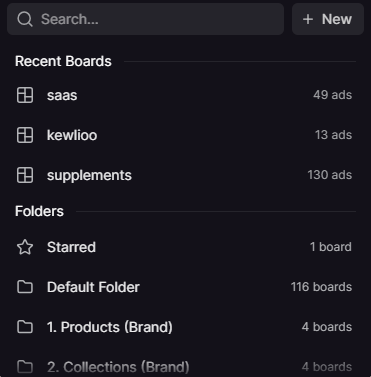
Add them to a board for a specific client or concept and share that board with your creative team to inform the next round of production.
Now instead of saying "Let’s try something like what Spacegoods are doing", you can point to specific ads, hooks, visuals, and angles that have proven to work.
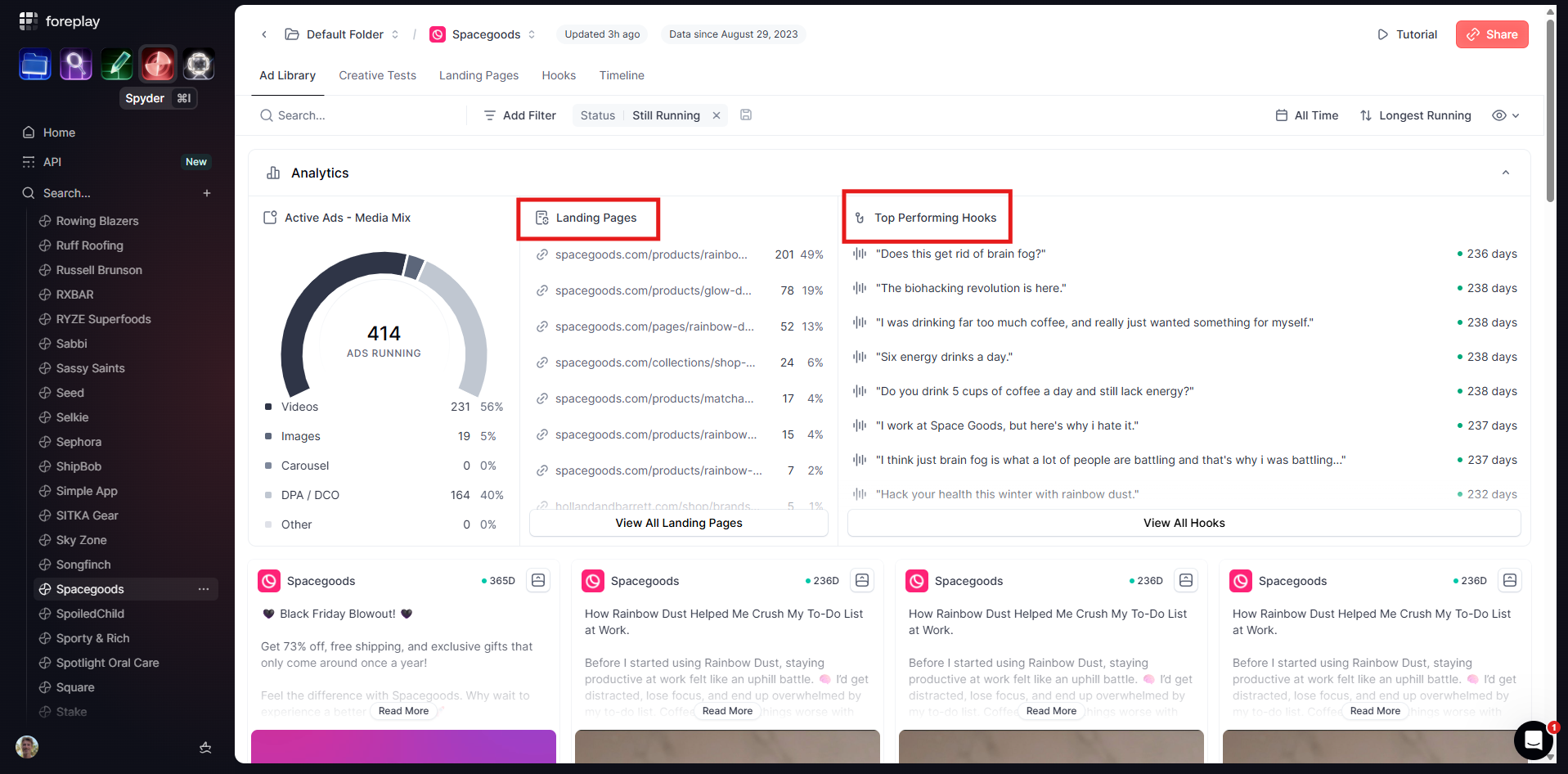
You can also go deeper and look at landing pages and hooks.
Spyder lets you see where brands send their traffic.
You can:
- See every landing page a brand uses
- See which URLs are used most
- Track how often a page shows up across their active ads
If one page is used in 19% of all active ads, that’s their workhorse. That’s the one you pull apart and learn from.
On top of that, you can see top performing hooks across languages. So you’re not just copying formats, you understand the language patterns that keep showing up.
How to use this as an agency
If you are working across multiple brands, Spyder gives you a fast way to:
- Map the creative landscape in any niche
- See what high growth brands actually scale, not just what they test
- Understand media mix and volume expectations for a category
- Study landing pages and hooks, not just the ad itself
- Feed your team real examples instead of vague directions
- You get to sit on top of the live market instead of building in the dark.
With Spyder you can see what the fastest growing brands do at scale, and use that information to build a cleaner version of that for your brand or for your clients' brands.
