How we make Creative Briefs with AI at Foreplay
This guide shows you how to build creator briefs the way we do at Foreplay: capture ad inspo straight from Instagram into your Swipe file, pull it into a Brief with your brand profile baked in, add the few constraints that matter (formats, platforms, exact product link), drop assets once, and share one link for submissions. It’s a practical workflow for turning “cool ideas” into ads your creators can actually ship.
.png)

How we use Foreplay to work with creators
Here’s how we use at Foreplay to go from “that’s a great ad” to a simple, easy to follow creator brief, without long Slack essays, email threads that get buried and forgotton, and no messy Google docs.
1) Save ad inspiration to your Swipe File
When you're scrolling and you see a great ad on Instagram, send it to the Foreplay Instagram account.
That automatically saves the ad into your Swipe File inside Foreplay, so it’s ready to use later when you’re building a creative brief for your creators or graphic designs.
2) Add ad inspiration from your Swipe File
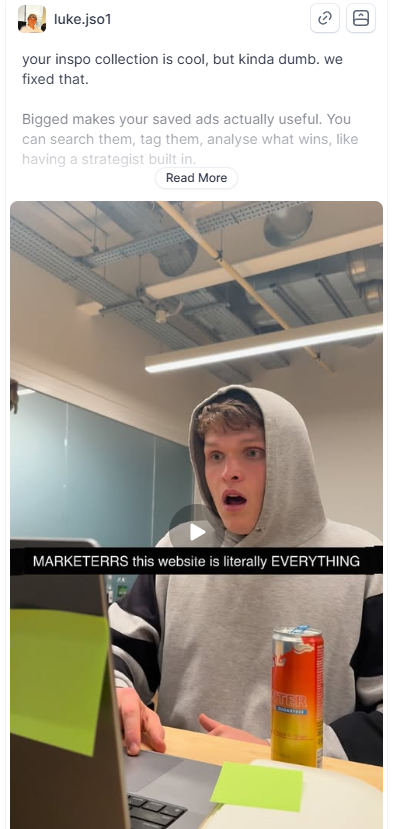
In Foreplay, select "Add inspiration" which will open your Swipe File and select the ad inspiration you want to use for this creative brief.
For example, I chose this ad with a reaction hook, a shocked expression, a simple setup, and a text overlay that identifies the target customer and grabs their attention.
3) Create a new brief
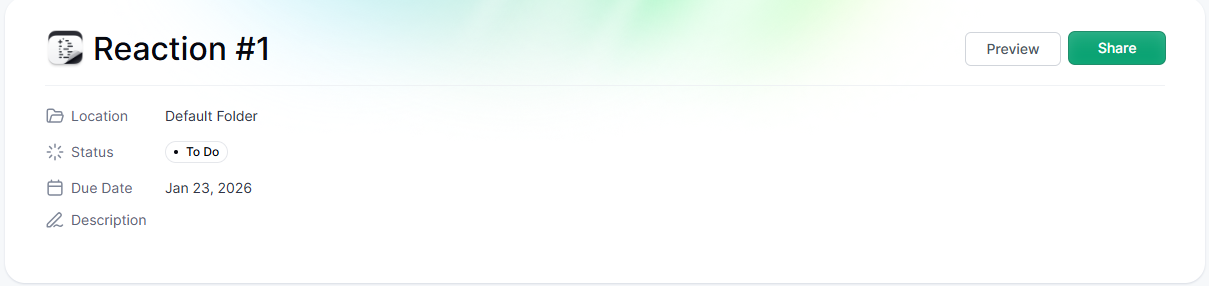
Next create a new brief in Foreplay Briefs.
Name it something simple (I named mine “Reaction #1”) and save it in your default folder, or organize it into folders if you want to keep briefs grouped by campaign, brand, product, or creator.
4) Select the right brand profile
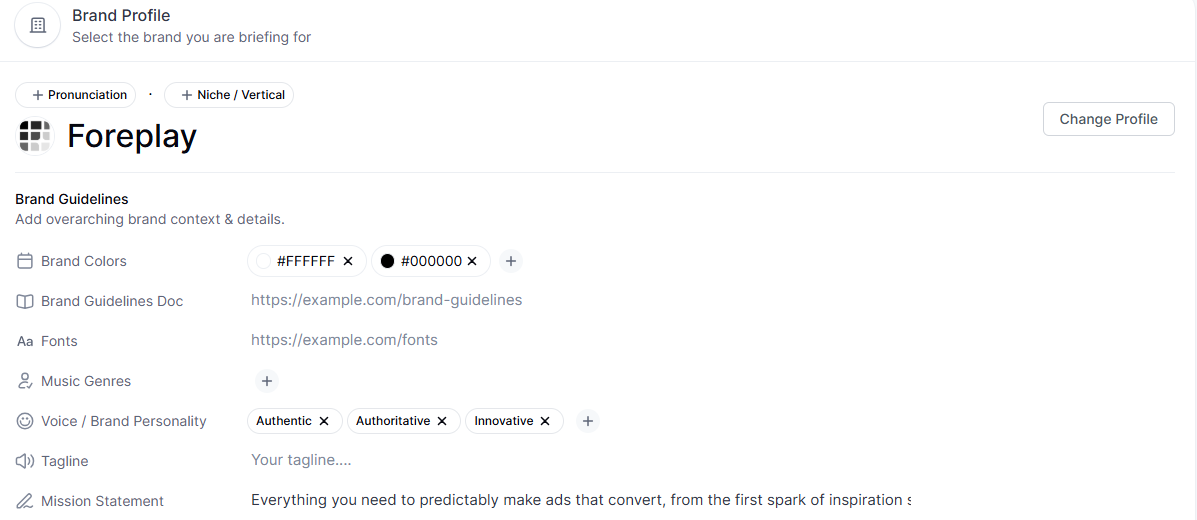
Choose the brand profile for the brand you’re briefing.
Brand profiles keep everything on train tracks because they include the essentials creators need, like:
- Colors
- Fonts
- Mission statement
- Website URL
This matters more than you might think. If a creator isn’t 100% clear on the brand, it’s easy to end up with the wrong logo, the wrong website, or even use assets for a different brand, especially when multiple brands have similar names.
The nice part is you set the brand profile up once, then just select it for each brief.
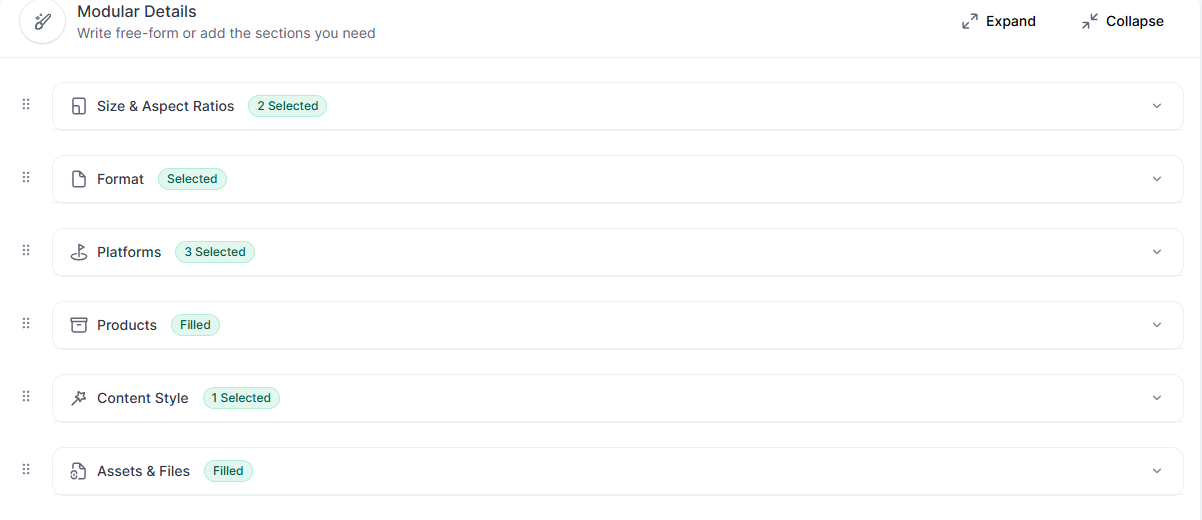
5) Add direction as modular details
After selecting ad inspiration and a brand profile, add the details that make the deliverable clearer. The goal is to make it hard for the creator to miss.
Modular details are helpful. Even if creators don’t need a ton of guidance, these fields prevent confusion and rework.
For example:
- Formats: 9:16 and 4:5
- Content type: video
- Platforms: Instagram, Facebook, TikTok
6) Specify the exact product for the brief
Be specific about what the creator is making content for.
Even if your brand can’t be confused with another brand, most brands have multiple products. If the product isn’t clearly specified, creators can accidentally build around the wrong one.
If you accidentally make an ad for a product, that might represent wasted production cost. Especially if stock is low, lead times are high and you're focusing on different products.
For example, this brief can specify Lens Creative Analytics, and include the product page link directly inside the brief.
7) Attach a shared asset folder
Instead of typing a complicated explanation over email or Slack, attach assets directly in the brief.
A simple approach is linking a shared Google Drive asset folder that includes:
- Logos
- Product visuals
- Brand guidelines
- Anything else creators might need

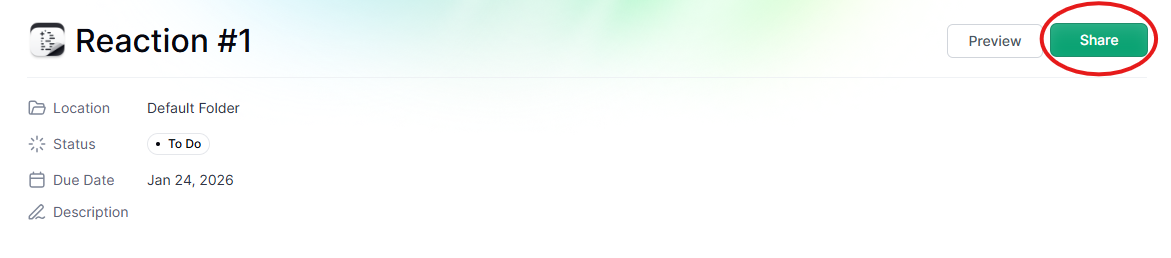
8) Share the brief and collect creator submissions in the brief (pretty cool right?)
Once the brief is finished, brand context, ad inspiration, product specifiication, and assets are all attached, share it with the creator(s).
Creators can submit deliverables back through the brief, no messy email threads and dropbox and wetransfer links that expire. Connect your instructions directly to the finished content, enabling stake holders to review and the wider creative team to receive those submissions, create final edits, and send polished versions back for posting as partnership ads.
That’s how we use AI to create ad briefs at Foreplay. Save inspiration, build a brief, and keep the entire creator loop organized in one place.
My advice? Share this one brief with hundreds of creators, either in TikTok Shops if you're in ecommerce, in your agency or in your vetted creator network, and ask for 5-10 versions from each creator. This will give you multiple hooks, angles, outfits and text overlays to test for every creator.