How to Make an Existing Post Facebook Ad
Learn how to easily create an existing post ad on Facebook to boost your best-performing content and reach more customers. This step-by-step guide walks you through the process with simple tips and helpful insights.

How to Make an Existing Post Ad on Facebook
Welcome back! In this quick guide, I’m going to show you how to create an existing post ad on Facebook. It’s simple, so let’s jump right in and get creative.
Step 1: Select Your Campaign and Ad Set
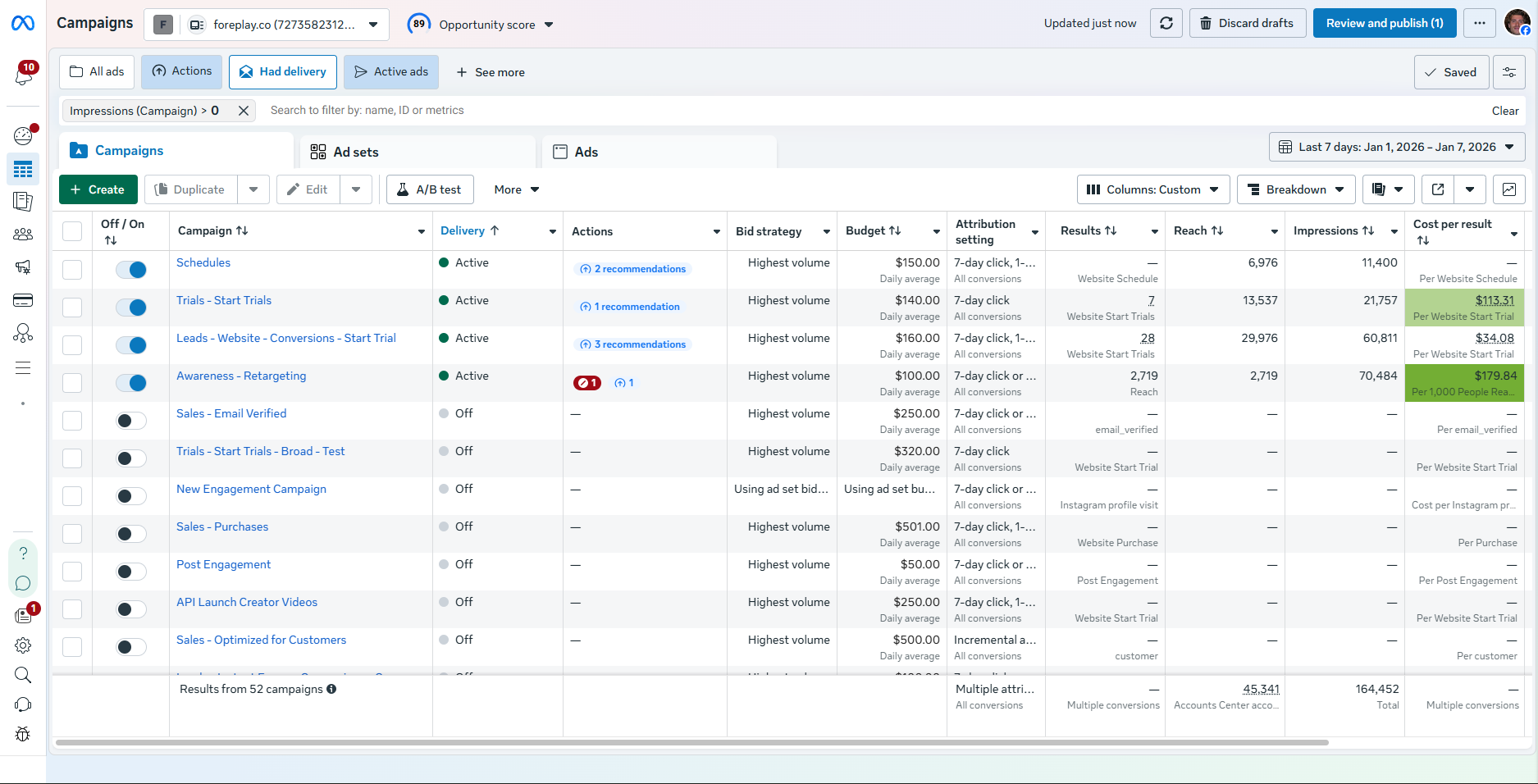
First, head to your Facebook Ads Manager. Choose the campaign and the ad set where you want to run your existing post ad.
If you're creating a new campaign,
.png)
Step 2: Start Creating Your Ad
Click the green Create button in the top left corner.
You can give your ad a name here, ad names are not visible to your potential customers.
I recommend including details like “existing post ad” in the name so you know exactly what it is when scanning your ads list.
You can also use abbreviations like "EP", to create space for more text based identifiers in your ad name.
Or you can just click the blue "Continue" to move on to move on.
Sure, naming your ad will help you recognize the ad when you're making changes, but it doesn't impact performance. You also have the thumbnail to help with ad recognition, and you can rename the ad at anytime to improve recognizability.
.png)
.png)
Step 3: Check Your Identity Settings
Make sure the correct Facebook page and Instagram account are selected.
If you manage multiple businesses, double-check this to avoid any awkward mistakes.
It's possible to accidentally launch ads with the incorrect business identity, for example Gold Hinge ads running from the Foreplay Facebook Ad Account.
No bueno, don't make this mistake.
.png)
Step 4: Use an Existing Post
In the Ad Setup section, click the dropdown that says “Create Ad” and switch it to Use Existing Post.
Now you can select any post from your Facebook or Instagram feeds or even a partner’s post if you’re collaborating with influencers.
.png)
Step 5: Customize Your Ad Text
Once you select a post, Facebook automatically fills in the primary text.
You can add more text options and reuse text from previous ads, if you want.
There’s even AI-generated text available, but I suggest reviewing those carefully, sometimes they be a little goofy!
If brand is important to you, I would recommend being very discerning when using AI writing tools that don't use a lot of context from your brand, because the output might dilute your brand identity
.png)
Step 6: Choose a Call-to-Action Button
Pick a button like Shop Now or Order Now that matches your ad’s goal.
Avoid unrelated CTAs like “Watch Now” if you’re promoting a physical product for a Shopify store.
.png)
Step 7: Promotions and Offers
Check that your promotion codes are properly linked and valid. Y
ou can also add an email signup offer if you want, which is generated automatically through Commerce Manager (you can customize this in your settings).
.png)
Step 8: Creative Enhancements (Optional)
Meta offers AI-powered enhancements, like adding music or creative text.
These can be cool, but sometimes they don’t fit your brand, especially the music feature.
If you’re managing ads for clients, I recommend turning off music enhancements to avoid any surprises.
.png)
Step 9: Tracking and Final Steps
You can add offline event tracking and build URL parameters to measure your ad’s performance more precisely. When you’re happy with everything, hit Save and you’re done!
.png)
That’s it!
Creating an existing post ad on Facebook is straightforward and a great way to promote posts that are already performing well organically, or from creators pages as partnership ads.
Creating an existing post facebook ad from a creators facebook or instagram account is also a great way to run ads that don't look like ads. We recommend considering existing post ads for UGC collaborations through to affiliate partnerships with influencers and even founders ads, video ads which feature the founder describing the mission of the brand.
